Notes on light, pixels and the objects we keep.
Essays and explainers from Alter Ego on display technology, design and the way we release each reference.
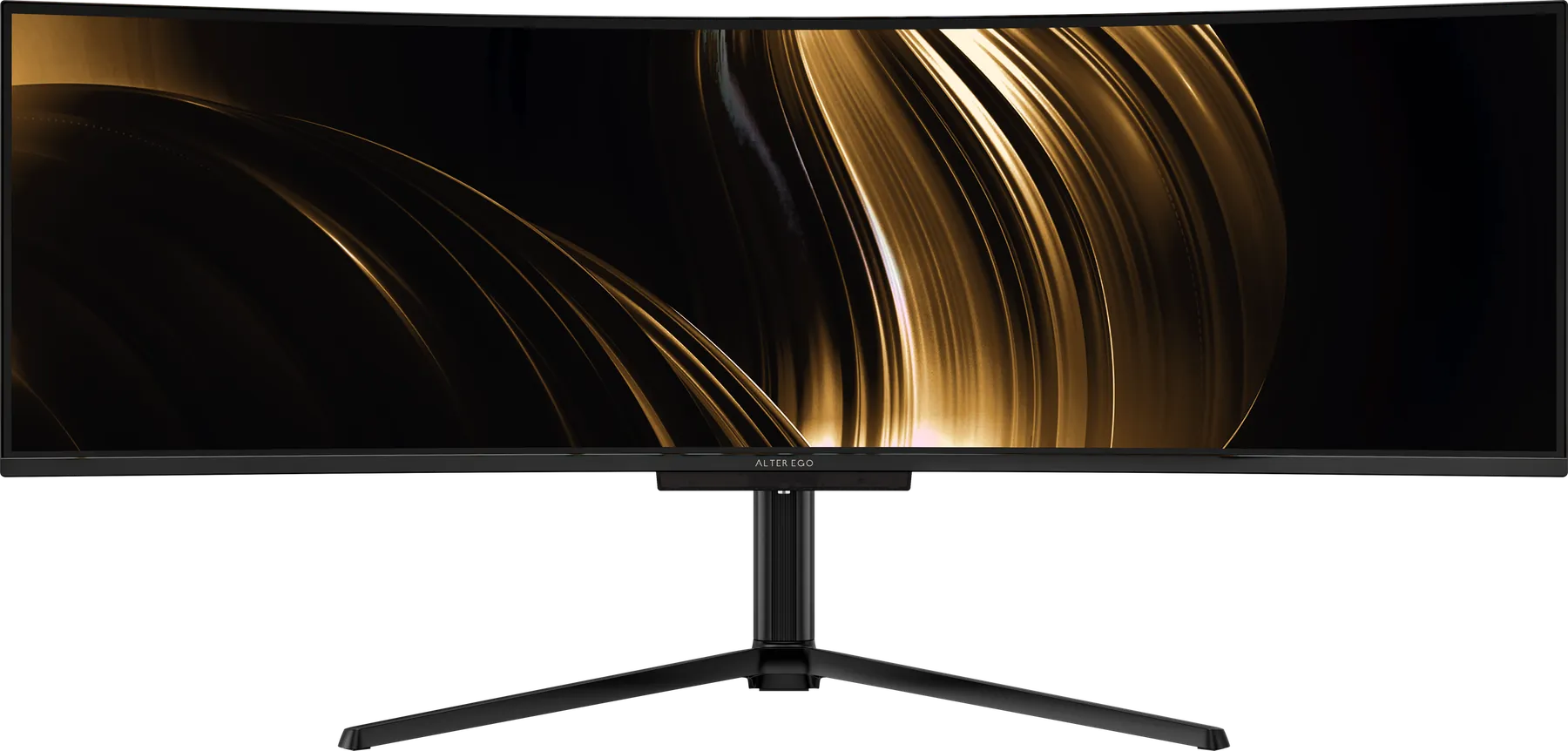
What is Alter Ego? A display maison, explained
Alter Ego makes a small collection of premium monitors and releases them in limited allocations. Here is what that means, and why we work this way.
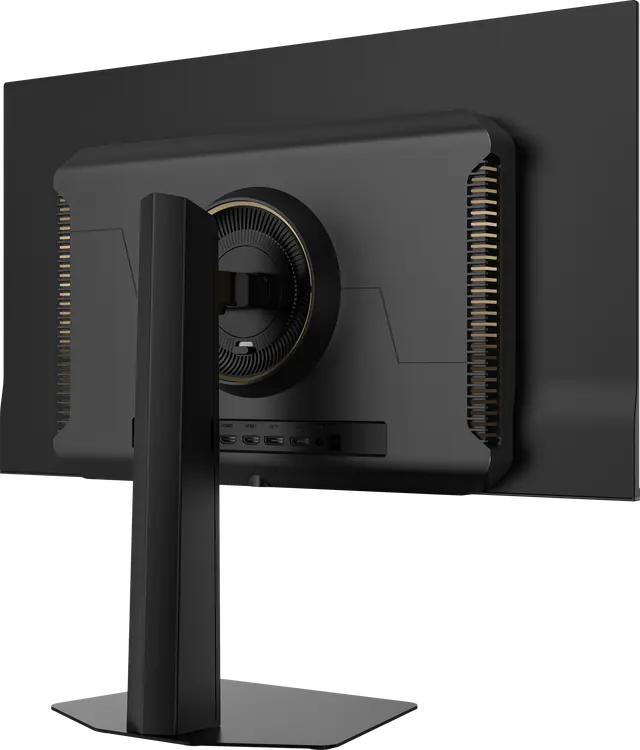
Building a considered desk
The display is the anchor of a desk. Notes on building the rest around it: surface, light, cables, and the few objects worth keeping in view.
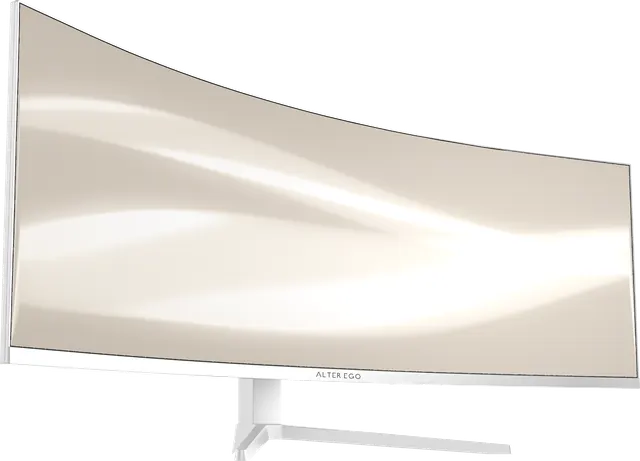
Noir or Blanc: choosing a finish
Horizon 49 comes in Noir, an ink black, and Blanc, an ivory that continues around the back. How to choose for your room, your light and your work.
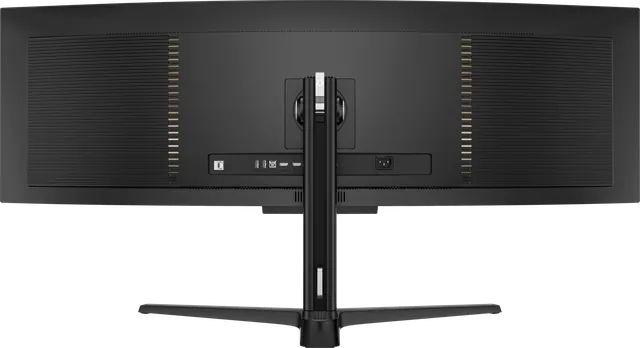
The case against RGB
Alter Ego displays carry no colour-changing RGB effects. Why we left them out, and what we put in their place.
The object on the desk
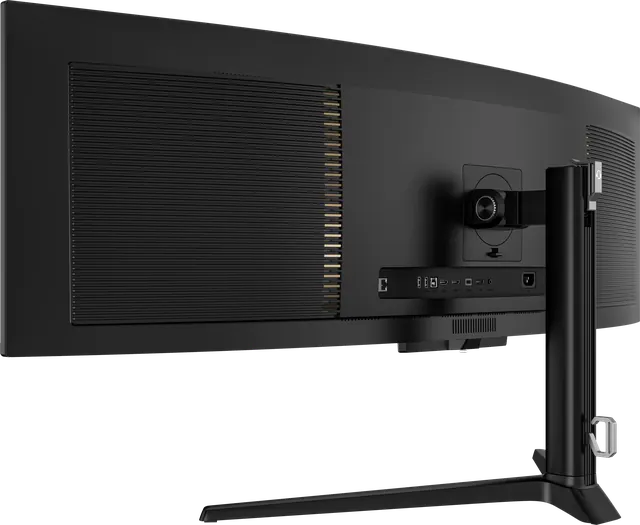
A display spends years in front of you and in view of everyone who walks into the room. Notes on designing a monitor to be looked at, not only looked through.
What makes a monitor a luxury object?
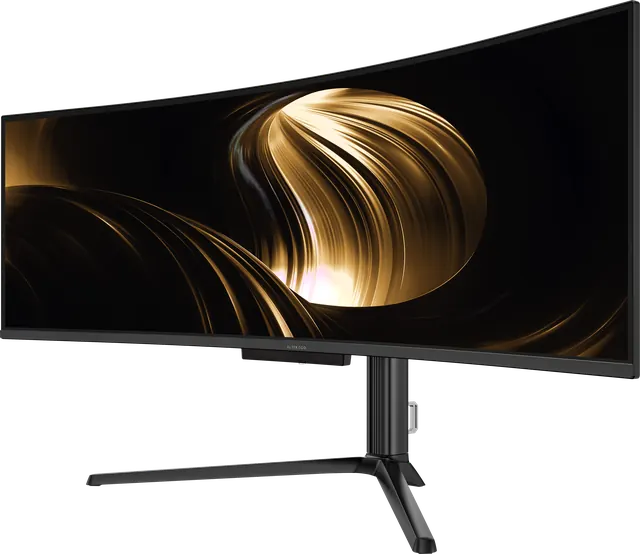
Luxury is not a price. For a display it means a small collection, panels chosen for how they render light, restraint in form, honest numbers and a considered way of selling. Our definition.
What the most premium monitors have in common
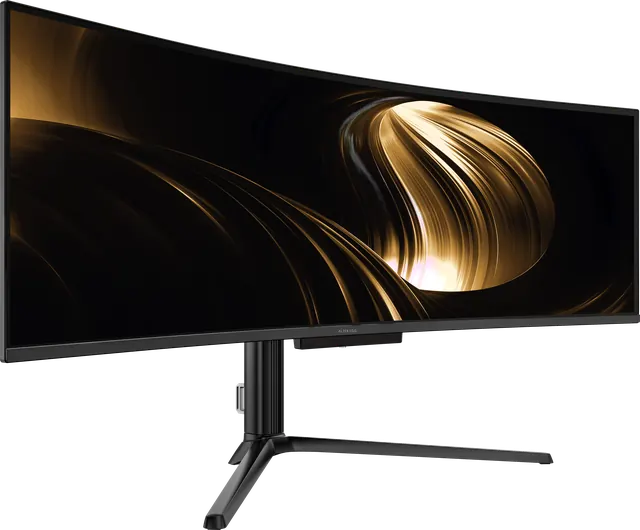
Price alone does not make a display premium. The best monitors share a short list of qualities: an exceptional panel, honest numbers, restraint in form, a small range and real service. Here is the list, and how Alter Ego meets it.
Why ink and ivory
Alter Ego displays come in two finishes only: Noir, an ink black, and Blanc, an ivory. Why we limited ourselves to two, and why these two.
Why we photograph displays from behind
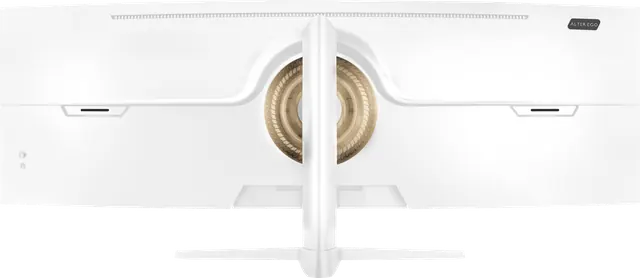
Most monitor photography stops at the front. We show every Alter Ego display from behind, in profile and from above. Here is why.
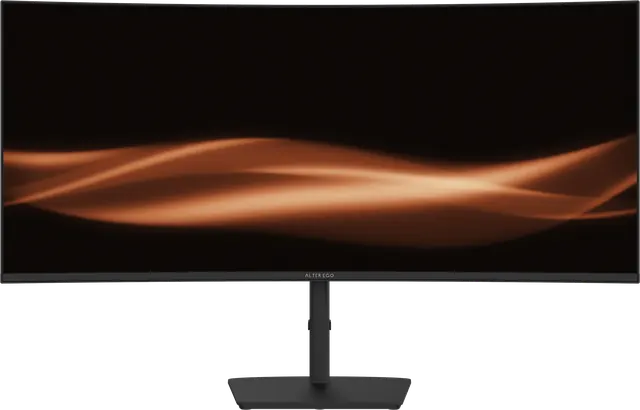
Choosing a display for a Mac
What to look for in an external display for a MacBook, Mac mini, Mac Studio or Mac Pro: connection, power, pixel density and refresh rate.
Choosing your Alter Ego display
Nocturne 49, Solitaire 27, Atelier 40 or Horizon 49? A short guide to which Alter Ego reference suits your work, your desk and your room.

Curved or flat: which is right for you?
Curvature helps wide displays and hinders some precise work. How to decide between a curved and a flat monitor, and what 1500R, 1800R and 2500R mean.
How far should you sit from a 49-inch monitor?
About 70 to 90 centimetres for most people. Why that works for a 49-inch 32:9 curved display, and how to set yours up.
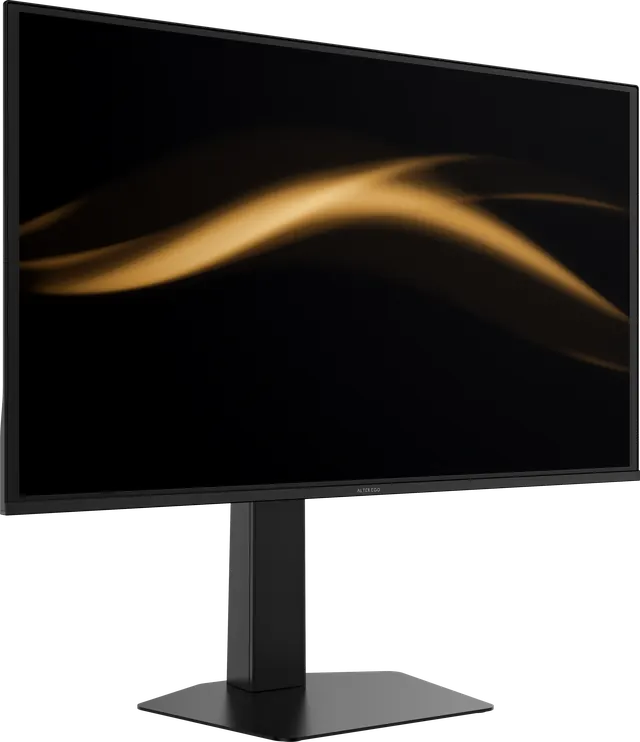
How to read a monitor spec sheet
Typical or peak brightness, GtG or MPRT response, contrast, colour gamut and HDR labels. A plain guide to the numbers on a display specification, and what they leave out.
Is 5120 × 1440 good for gaming?
Yes, for immersive games and simulators that support super-ultrawide, with a capable graphics card. What to expect, what it demands, and which games suit it.
Is OLED a good idea for office work?
OLED is known for film and games. It is also a pleasure for documents, code and email, with a few sensible habits. The honest answer.

Is a 49-inch monitor too big?
A 49-inch 32:9 display is wide but no taller than a 27-inch screen. How much desk it needs, how far to sit, and who should choose something smaller.
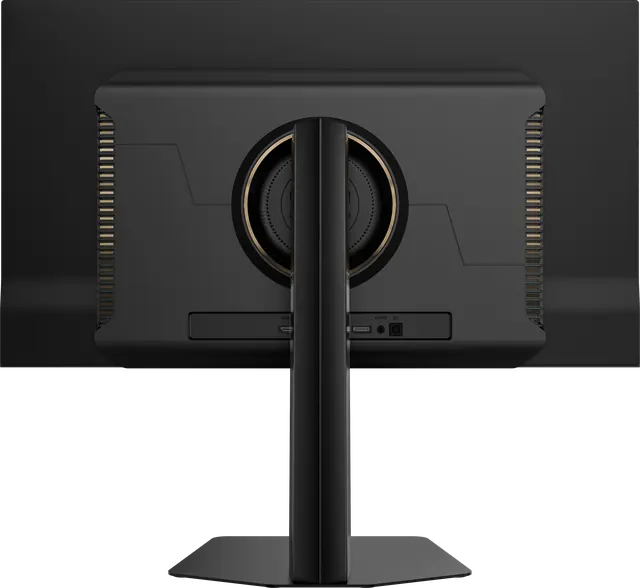
Living with an OLED display
OLED panels reward a few simple habits with static content. Practical, sensible care for an OLED monitor, without the anxiety.
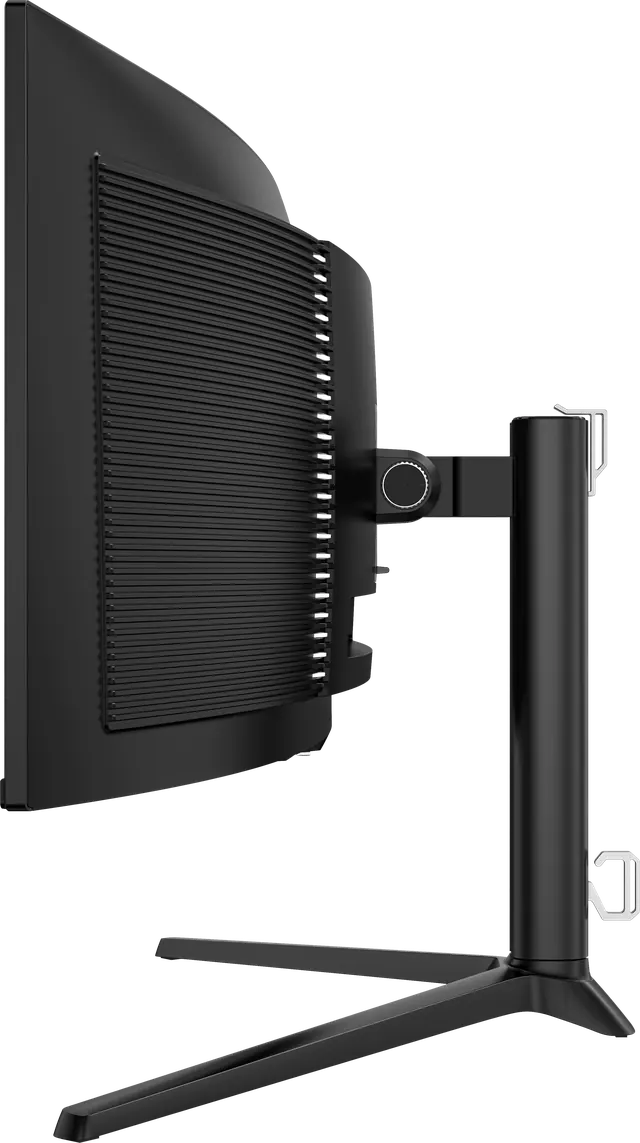
Mounting your display: stands, arms and VESA
Every Alter Ego display ships with an adjustable stand and accepts a VESA mount. When to use the stand, when to use an arm, and what to check first.
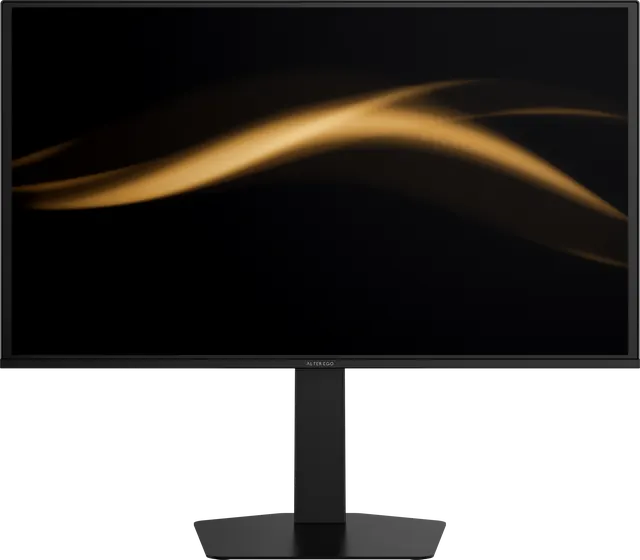
OLED burn-in, explained calmly
What OLED burn-in actually is, what causes it, how likely it is in normal use, and the simple habits that prevent it.
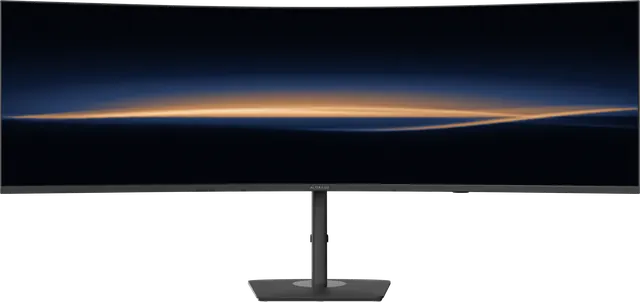
One 49-inch display, or two 27-inch displays?
A 49-inch 32:9 display has the same area as two 27-inch QHD screens. What you gain by removing the seam, and when two screens still make sense.
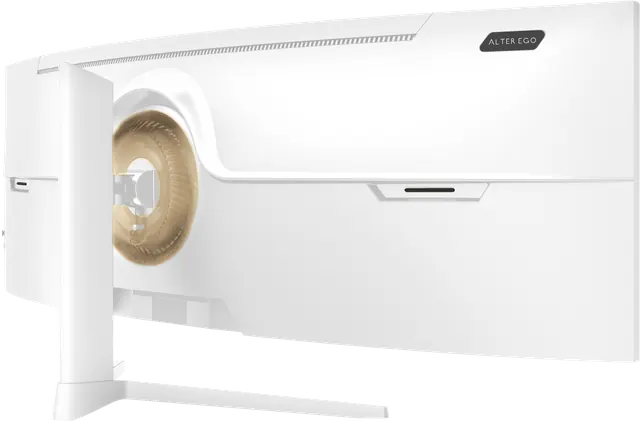
One cable, two computers: USB-C and KVM, explained
How a single USB-C cable can carry picture, data and power to a laptop, and how a built-in KVM lets one keyboard and display control two computers.

QD-OLED text clarity: what to expect and how to tune it
QD-OLED's triangular subpixel layout can add faint colour fringes to small text. Why it happens, how visible it is, and the settings that help.
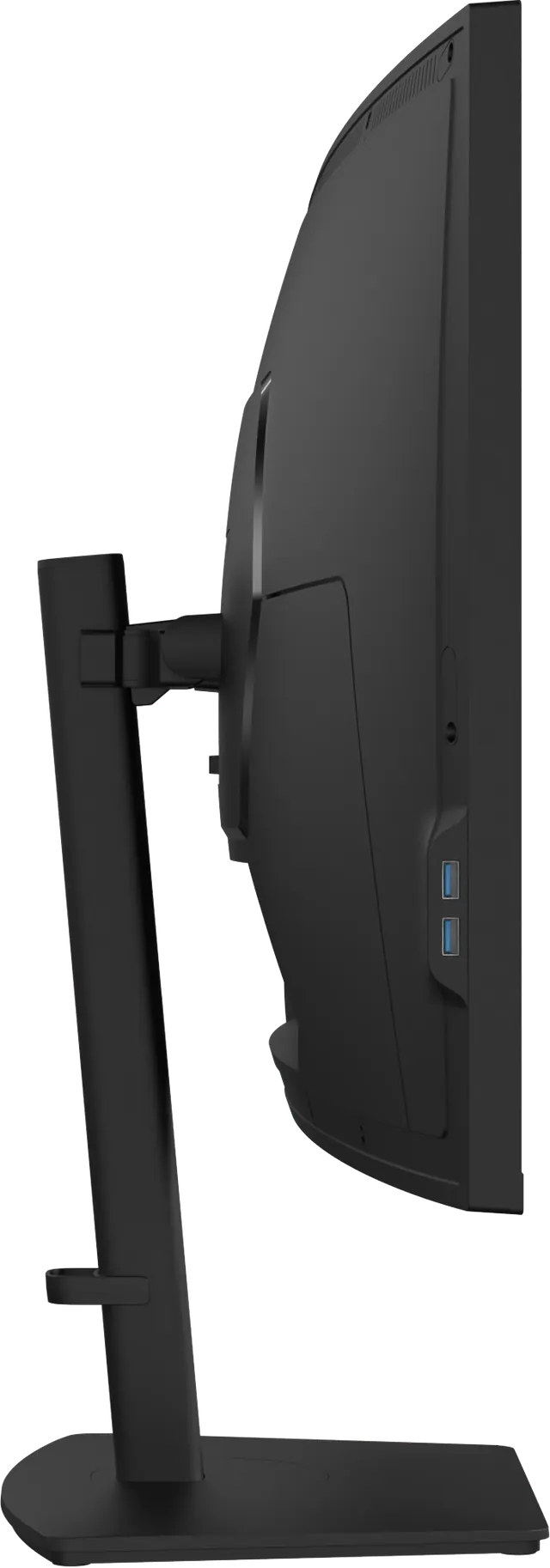
Setting up your display: height, distance and light
A considered display deserves a considered setup. Where to place it, how high, how far away, and how to light the room around it.
Ten questions to ask before buying a premium monitor
A short checklist for choosing a high-end display: panel, size, resolution, connections, colour, honesty of the specifications, and how it is sold.
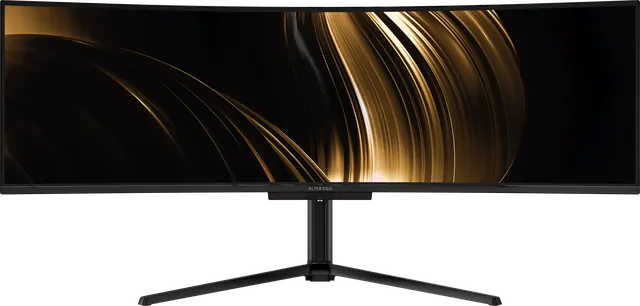
Alter Ego introduces Collection I
Alter Ego, a luxury display maison, introduces Collection I: four premium displays, led by the Nocturne 49 QD-OLED, released in limited, numbered allocations.
HDR on a monitor: what the DisplayHDR tiers mean
"HDR" on a monitor can mean very different things. A guide to VESA DisplayHDR tiers, the True Black tiers for OLED, and what to expect from each.
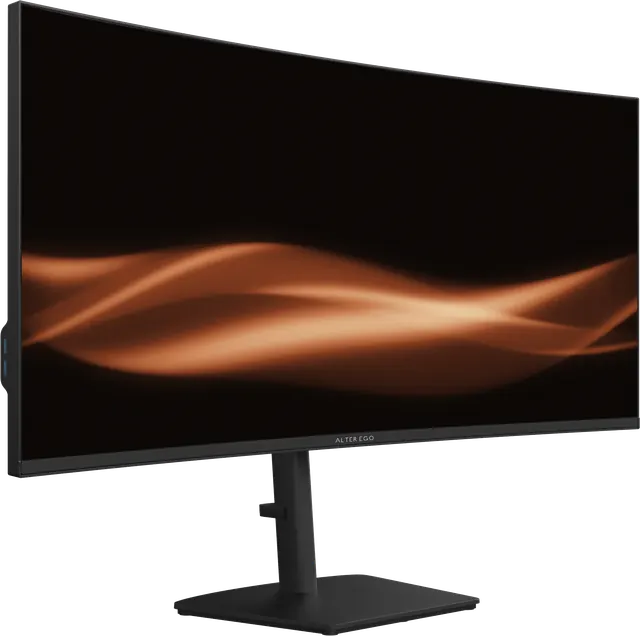
IPS vs VA vs OLED: which monitor panel is right for you?
The three main monitor panel types compared on contrast, colour, viewing angles, response and brightness, with a clear recommendation for each kind of work.
OLED or mini-LED for creative work?
Both promise deep blacks and HDR. One lights each pixel; the other dims thousands of zones behind an LCD. How they differ for photography, video and design.
QD-OLED and WOLED, explained without the marketing
There are two main families of large OLED display panels. Here is how QD-OLED and WOLED differ in construction, colour and text rendering, in plain language.
The case for 5K2K in a creative studio
A 40-inch display at 5120 × 2160 holds a full 4K frame with room to spare. Why 5K2K suits photographers, editors and designers, and what the numbers mean.
True black: what self-emissive OLED actually changes
On an OLED display every pixel makes its own light and can switch fully off. This is what that does to contrast, motion and colour, and where it matters.
What 0.03 ms response time means
A 0.03 ms grey-to-grey response time means a pixel finishes changing in three hundredths of a millisecond. Why that matters for motion, and why only OLED reaches it.
What 240 Hz actually gives you
A higher refresh rate shortens the time between frames. What that changes for motion, for everyday work and for games, and what your computer needs to deliver it.
What does 1800R mean on a curved monitor?
1800R means the screen curves along a circle with a radius of 1800 millimetres. How curvature ratings work, and how 1500R, 1800R and 2500R compare.
What is HDR400?
HDR400 refers to the VESA DisplayHDR 400 tier, the entry level of HDR certification. What it means, what it does not, and how True Black 400 differs.
What is a 32:9 monitor?
A 32:9 monitor is twice as wide as a standard 16:9 screen at the same height, usually 49 inches at 5120 × 1440. A short definition.
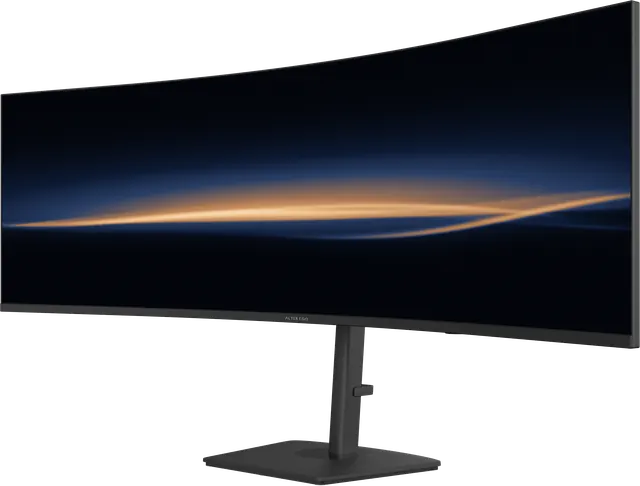
What is a 5K monitor?
"5K" describes a display about 5,000 pixels wide. It covers several different shapes, from 5120 × 1440 ultrawides to 5120 × 2160 and 5120 × 2880. What each one is for.
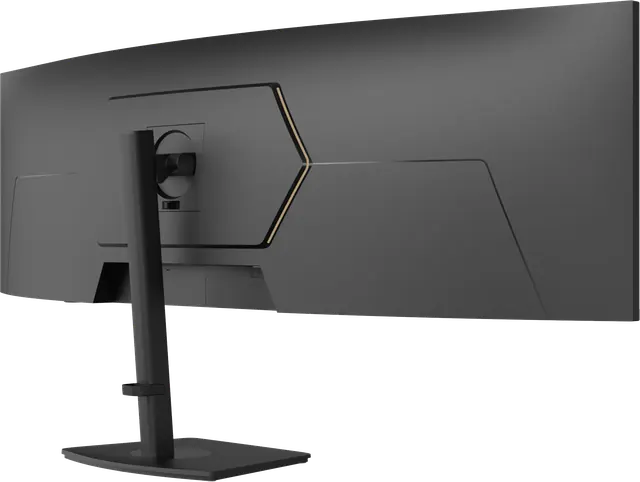
What is a KVM monitor?
A KVM monitor has a built-in switch that lets one keyboard, mouse and display control two computers. How it works and who it is for.
What is a QD-OLED monitor?
A QD-OLED monitor uses self-emissive blue OLED pixels and a quantum-dot layer to create red and green. The result is true black with unusually saturated, bright colour. A short definition and what it means for you.
What is a good contrast ratio for a monitor?
Contrast ratio compares a display's brightest white to its darkest black. Typical figures for IPS, VA and OLED, what "dynamic contrast" really means, and what to look for.
Who a 32:9 display is for
A 49-inch 32:9 display at 5120 × 1440 is two QHD screens without the seam. Here is who benefits, what curvature does, and what to check before choosing one.
sRGB, DCI-P3 and Adobe RGB, explained
Colour-gamut figures only mean something once you know the colour space behind them. A plain guide to sRGB, DCI-P3, Adobe RGB and Rec. 2020, and which one your work uses.
How Alter Ego names its displays
Nocturne, Solitaire, Atelier, Horizon. Why each Alter Ego reference has a name rather than a model number, and what the reference codes mean.
The Reflection: the story of our monogram
The Alter Ego monogram is a letter A standing on a horizon above its own mirror image. What it means and how it was drawn.
Why we release displays in allocations
Alter Ego displays are not stocked on retail shelves. Each reference is released in limited, numbered allocations. This is how the system works and why we chose it.