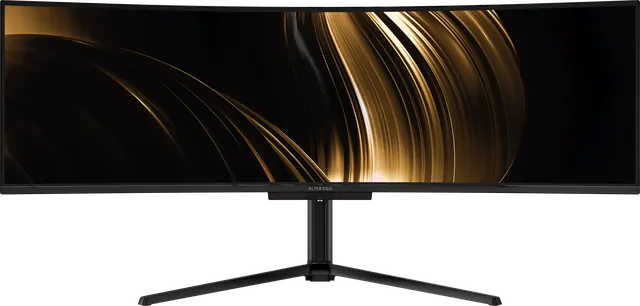
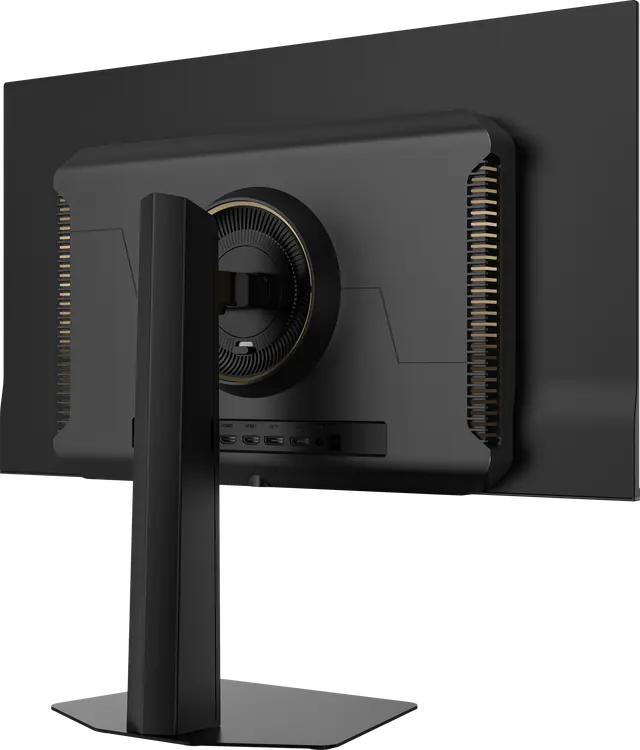
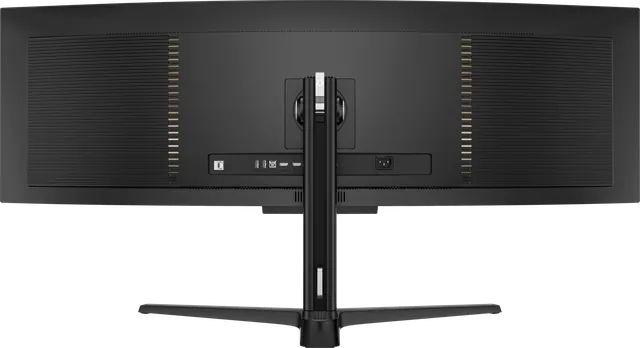
Setting up your display: height, distance and light
A considered display deserves a considered setup. Where to place it, how high, how far away, and how to light the room around it.
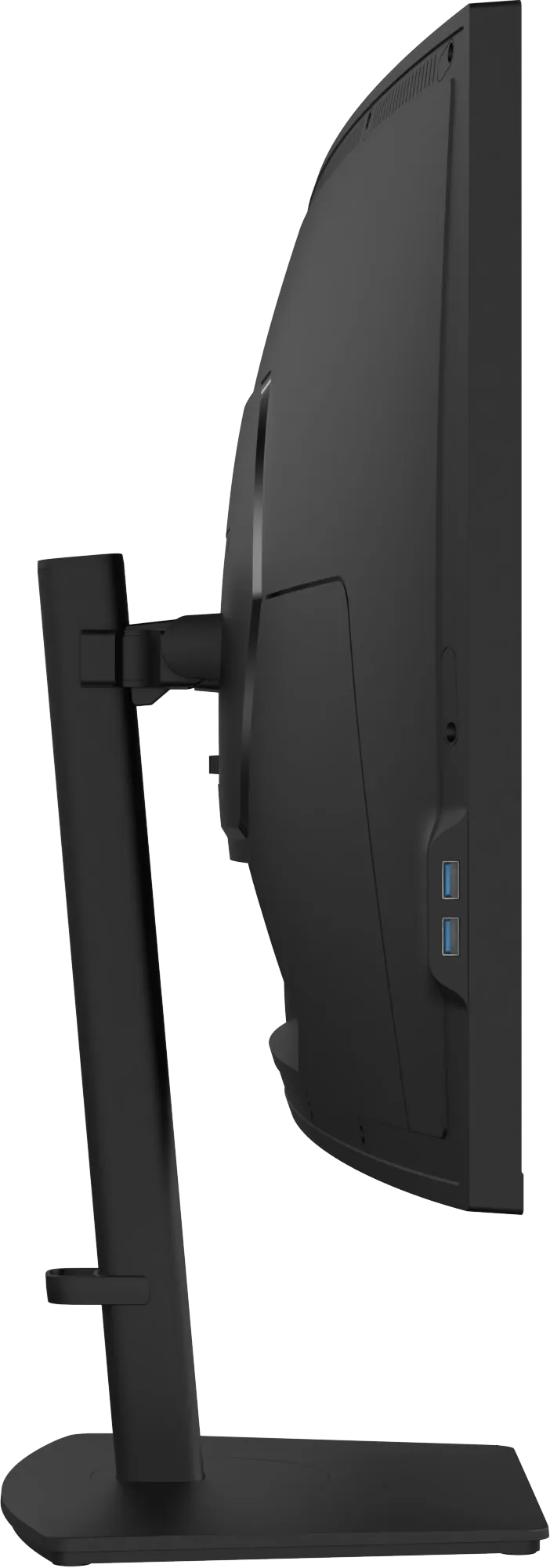
The same display can look and feel very different depending on where it sits. A few minutes of setup pay back every day.
Height
Set the top edge of the picture at, or slightly below, your eye level, so your gaze falls naturally to the centre of the screen. Tilt the panel back slightly, so it faces your eyes squarely. Every Alter Ego reference adjusts in height (120 mm on Nocturne 49 and Solitaire 27, 130 mm on Horizon 49) and in tilt.
Distance
A comfortable starting point is roughly an arm's length. For a 27-inch display like Solitaire 27, that is usually 60–80 cm. For 40- and 49-inch displays, sit a little further back, about 70–90 cm, so you can take in the width without turning your head constantly. The curve of Nocturne 49 and Horizon 49 keeps the edges at a more even distance from your eyes than a flat panel would.
Centre it
Sit facing the middle of the display. With a 32:9 panel, put the window you use most in the centre third and supporting windows to either side.
Light the room, not the screen
- Avoid a bright window directly behind you, which reflects in the panel, and directly behind the display, which forces your eyes to adapt between the bright window and the screen.
- Keep some ambient light on. Working on a bright screen in a pitch-dark room is tiring. A soft lamp to the side, or a neutral light behind the display, reduces eye strain.
- Match brightness to the room. Turn brightness down in the evening. It is easier on your eyes, and on an OLED panel it is good practice too.
Cables
Use the shortest route from computer to display, and the right connection: DisplayPort 1.4 or HDMI 2.1 for the highest refresh rates, or a single USB-C cable for a laptop, which carries picture, data and power. Lead cables down behind the stand so the back of the desk stays as calm as the front.
Set the refresh rate
Most computers default to 60 Hz. Open your display settings and choose the highest rate available. What 240 Hz actually gives you.