Guides for choosing, setting up and living with a display.
Essays and explainers from Alter Ego on display technology, design and the way we release each reference.
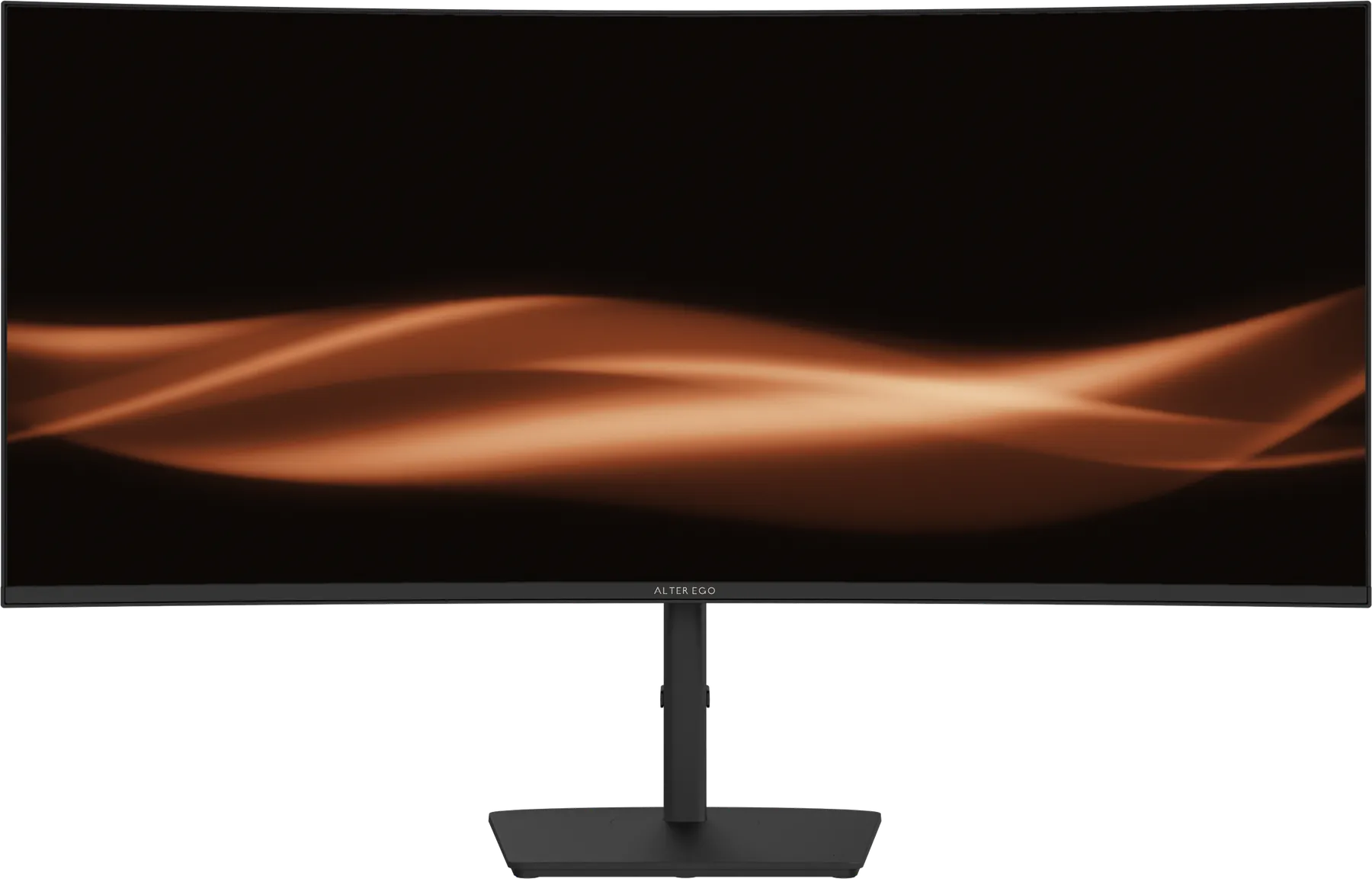
Choosing a display for a Mac
What to look for in an external display for a MacBook, Mac mini, Mac Studio or Mac Pro: connection, power, pixel density and refresh rate.
Choosing your Alter Ego display
Nocturne 49, Solitaire 27, Atelier 40 or Horizon 49? A short guide to which Alter Ego reference suits your work, your desk and your room.

Curved or flat: which is right for you?
Curvature helps wide displays and hinders some precise work. How to decide between a curved and a flat monitor, and what 1500R, 1800R and 2500R mean.
How far should you sit from a 49-inch monitor?
About 70 to 90 centimetres for most people. Why that works for a 49-inch 32:9 curved display, and how to set yours up.
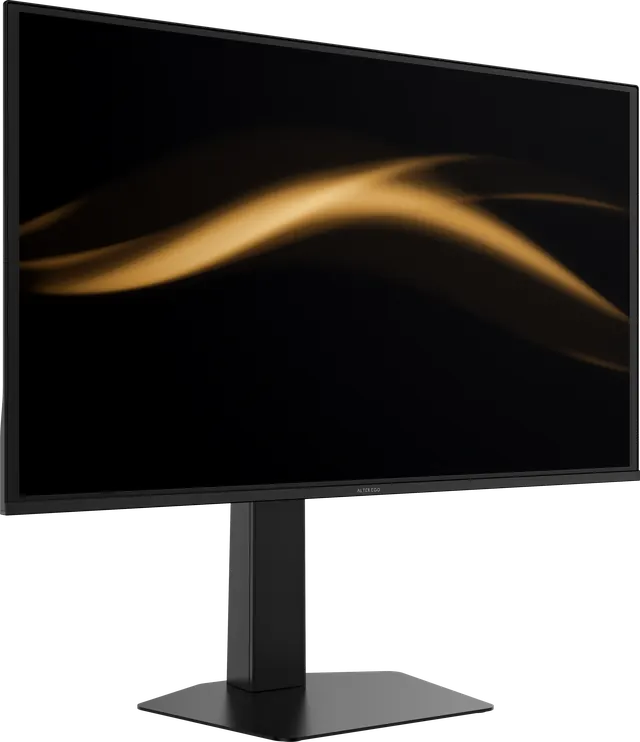
How to read a monitor spec sheet
Typical or peak brightness, GtG or MPRT response, contrast, colour gamut and HDR labels. A plain guide to the numbers on a display specification, and what they leave out.
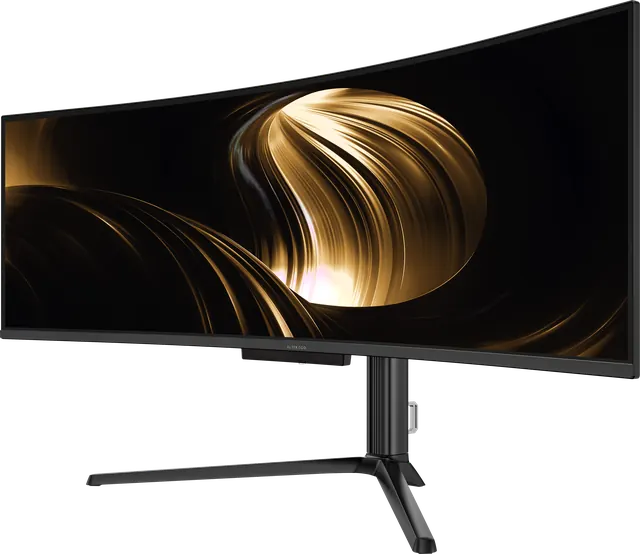
Is 5120 × 1440 good for gaming?
Yes, for immersive games and simulators that support super-ultrawide, with a capable graphics card. What to expect, what it demands, and which games suit it.
Is OLED a good idea for office work?
OLED is known for film and games. It is also a pleasure for documents, code and email, with a few sensible habits. The honest answer.
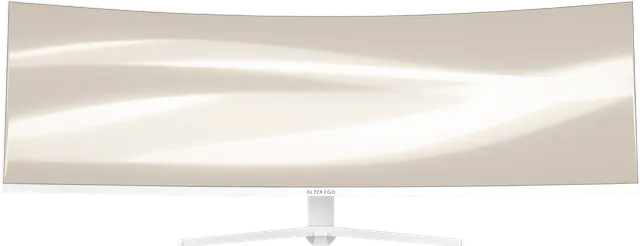
Is a 49-inch monitor too big?
A 49-inch 32:9 display is wide but no taller than a 27-inch screen. How much desk it needs, how far to sit, and who should choose something smaller.
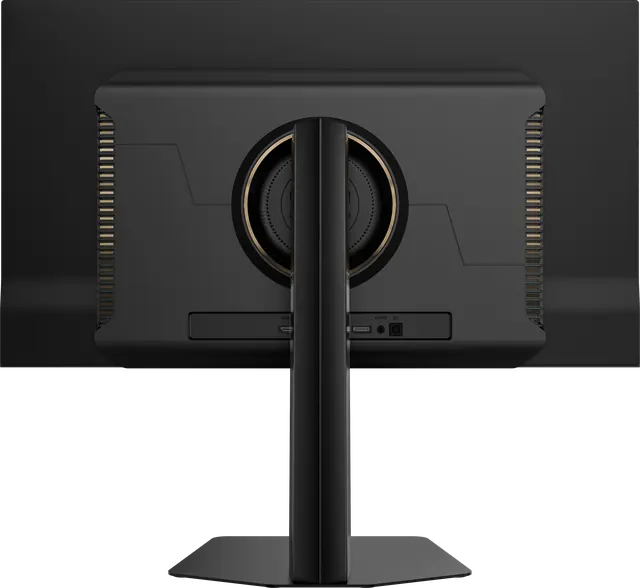
Living with an OLED display
OLED panels reward a few simple habits with static content. Practical, sensible care for an OLED monitor, without the anxiety.
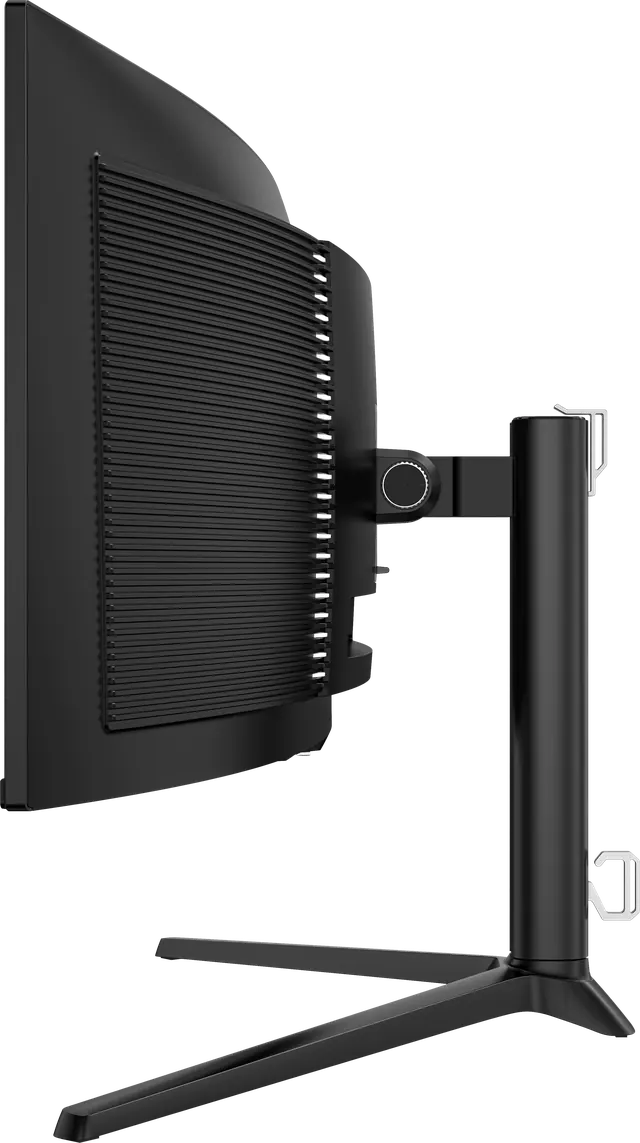
Mounting your display: stands, arms and VESA
Every Alter Ego display ships with an adjustable stand and accepts a VESA mount. When to use the stand, when to use an arm, and what to check first.
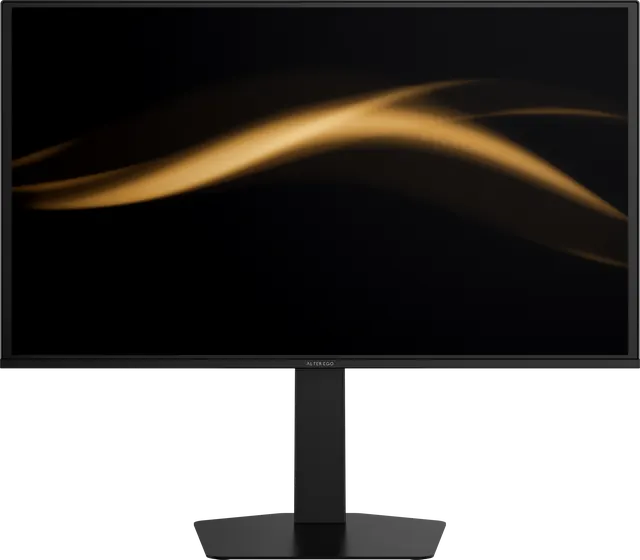
OLED burn-in, explained calmly
What OLED burn-in actually is, what causes it, how likely it is in normal use, and the simple habits that prevent it.
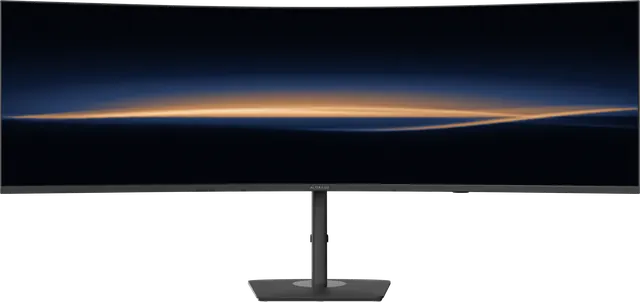
One 49-inch display, or two 27-inch displays?
A 49-inch 32:9 display has the same area as two 27-inch QHD screens. What you gain by removing the seam, and when two screens still make sense.
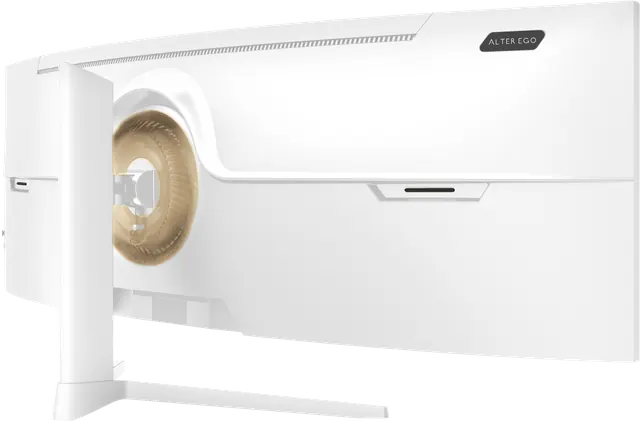
One cable, two computers: USB-C and KVM, explained
How a single USB-C cable can carry picture, data and power to a laptop, and how a built-in KVM lets one keyboard and display control two computers.

QD-OLED text clarity: what to expect and how to tune it
QD-OLED's triangular subpixel layout can add faint colour fringes to small text. Why it happens, how visible it is, and the settings that help.
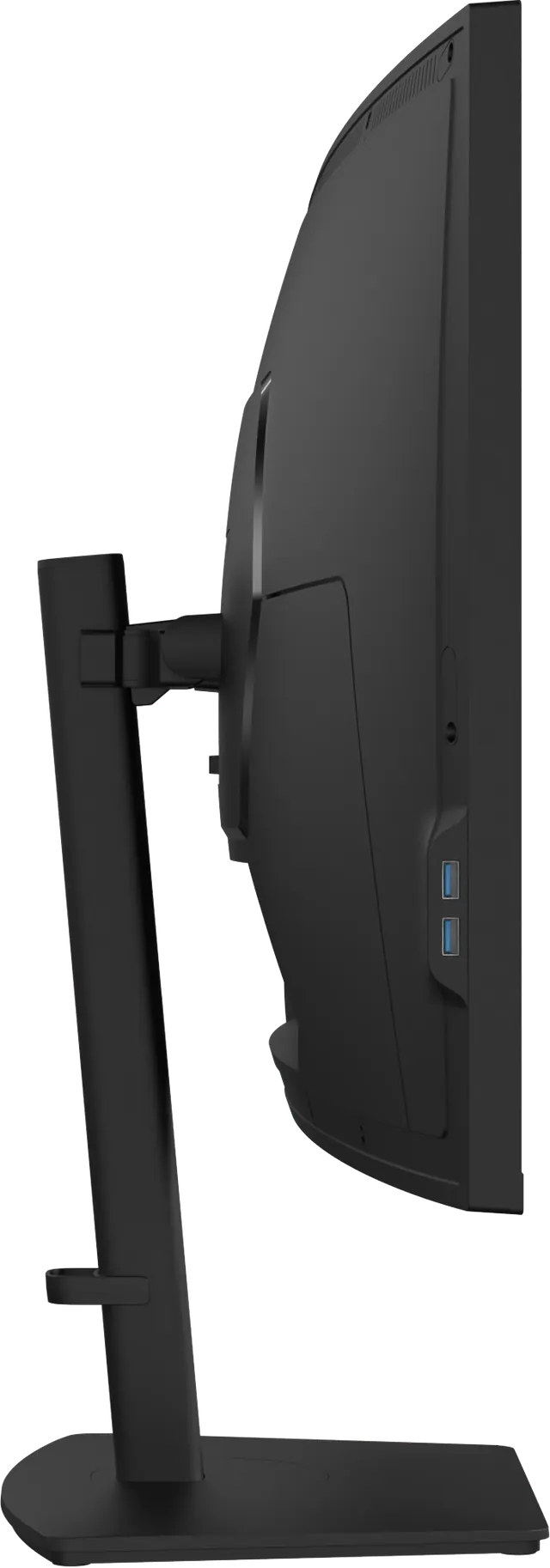
Setting up your display: height, distance and light
A considered display deserves a considered setup. Where to place it, how high, how far away, and how to light the room around it.
Ten questions to ask before buying a premium monitor
A short checklist for choosing a high-end display: panel, size, resolution, connections, colour, honesty of the specifications, and how it is sold.