Is a 49-inch monitor too big?
A 49-inch 32:9 display is wide but no taller than a 27-inch screen. How much desk it needs, how far to sit, and who should choose something smaller.
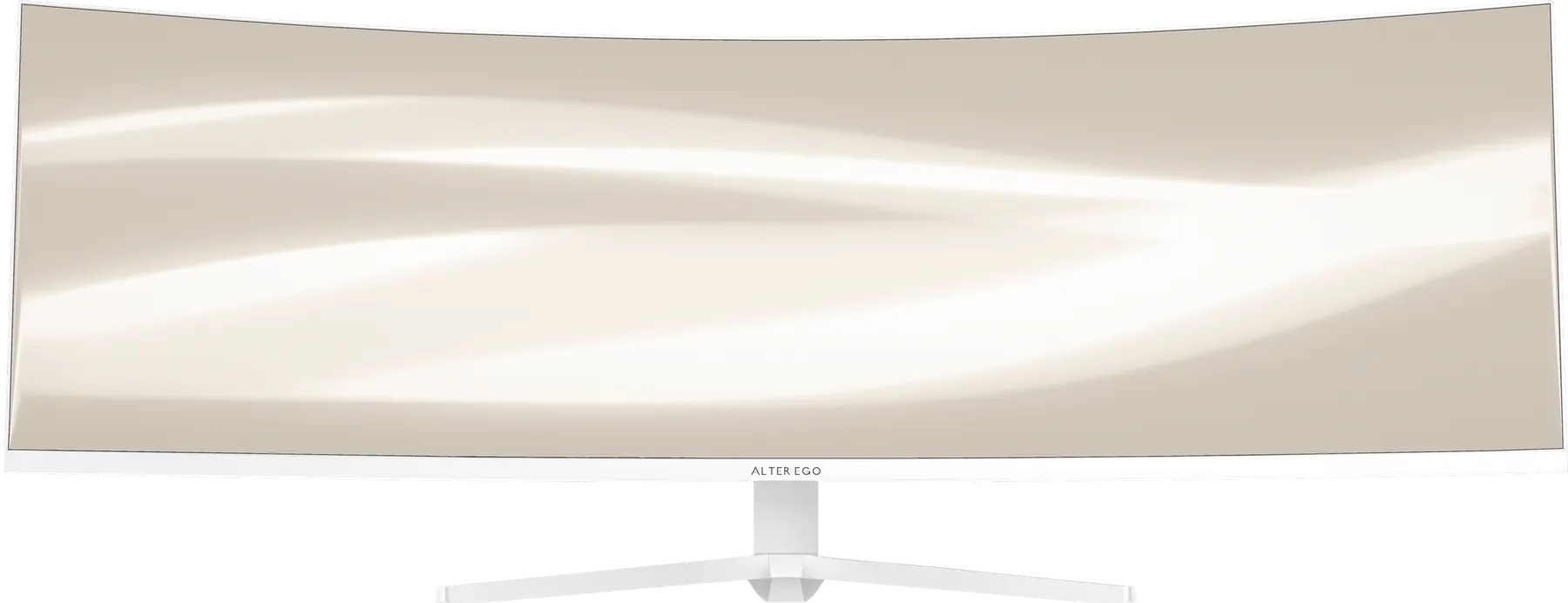
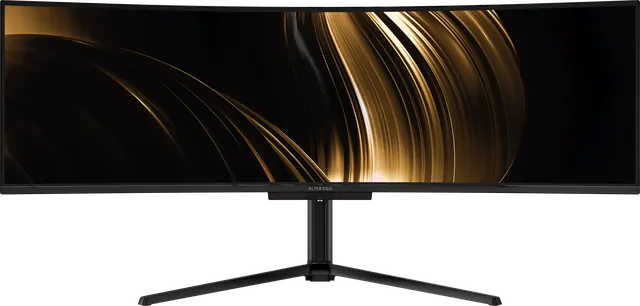
"49 inches" sounds enormous. In practice, a 49-inch 32:9 display is the width of two 27-inch displays and the height of one. It changes how wide your desk feels, not how tall.
The real dimensions
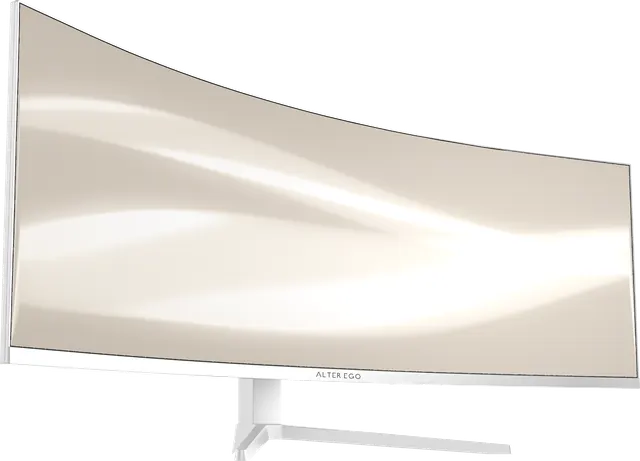
- Width: about 47 inches for both Nocturne 49 (47.2 in) and Horizon 49 (47 in).
- Height of the panel: about 14.4 inches without the stand, the same as a typical 27-inch display.
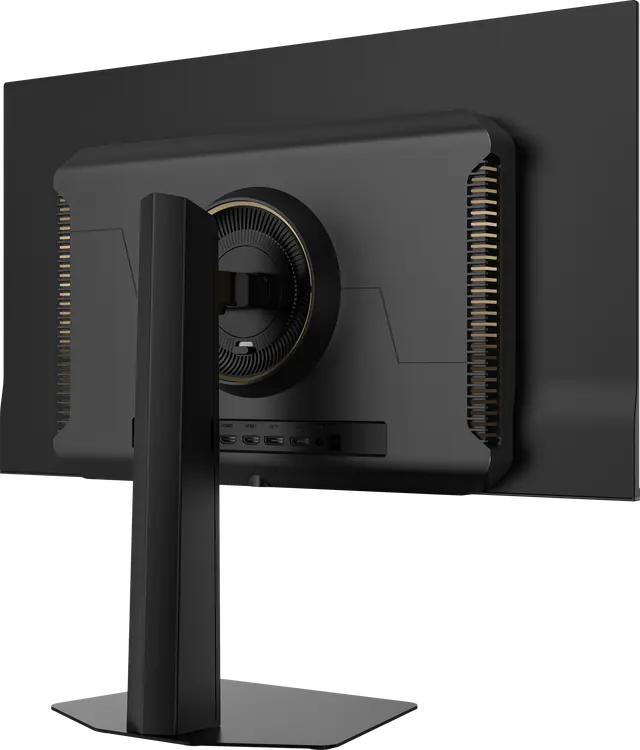
- Depth on the stand: 14.2 inches for Nocturne 49's tripod base, about 11 inches for Horizon 49.
How much desk you need
A desk at least 55–60 inches wide gives the display room with space to either side. A depth of 28 inches or more lets you sit at a comfortable distance. A monitor arm on a VESA 100 × 100 mount frees the desk surface entirely.
How far to sit
About 70–90 cm. The curve keeps the edges in view, and you naturally work in the centre, with supporting windows to either side. Setting up your display.
When it is too big
- If your desk is under about 48 inches wide.
- If you mostly work full-screen in one application and never use the width.
- If you want a display that rotates to portrait.
In those cases, Solitaire 27 is the better choice: the same pixel density, OLED at 280 Hz, in a classic size.
When it is exactly right
If you work across two or three windows, edit long timelines, run two computers, or want a simulator or film to fill your view, 49 inches is not too big. It is the space you were already using, without the seam.