Noir or Blanc: choosing a finish
Horizon 49 comes in Noir, an ink black, and Blanc, an ivory that continues around the back. How to choose for your room, your light and your work.
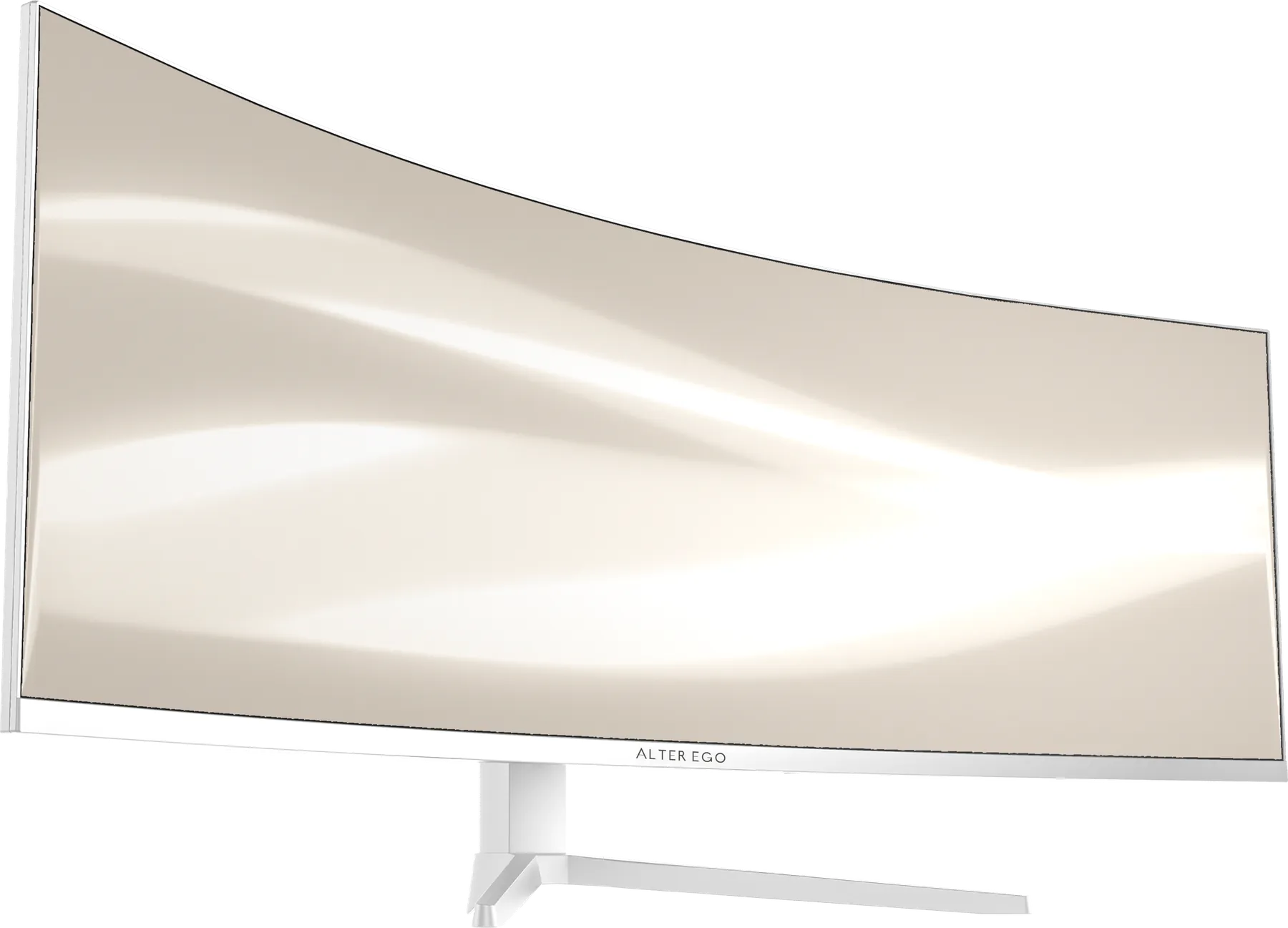
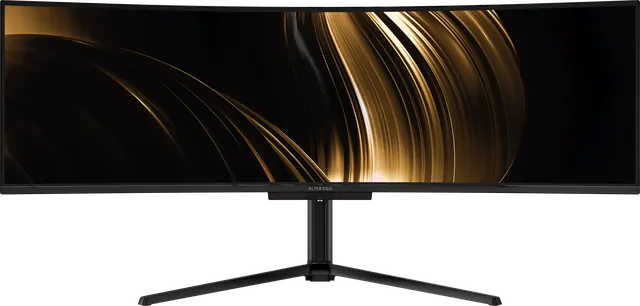
Horizon 49 is the one reference in Collection I offered in two finishes. Both share the same 49-inch 5120 × 1440 panel, curved to 1500R, at 120 Hz with 65 W USB-C and a built-in KVM. The choice between them is about your room.
Noir
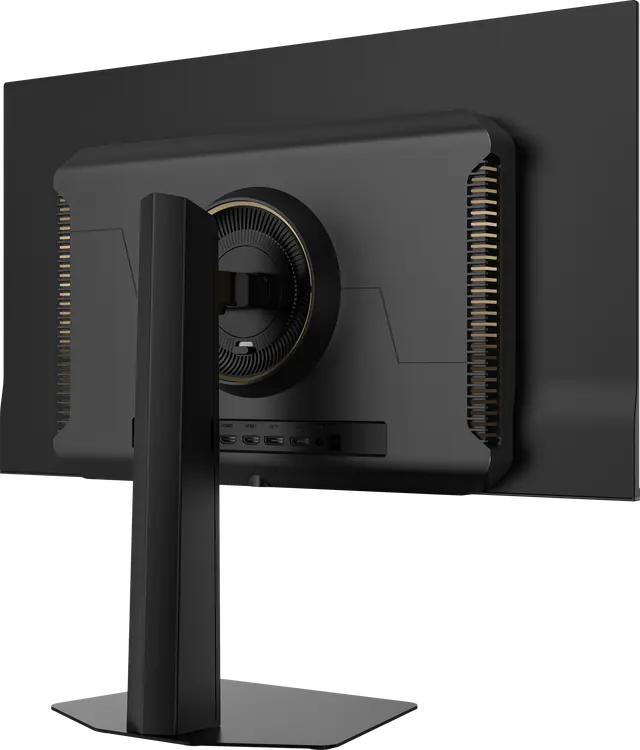
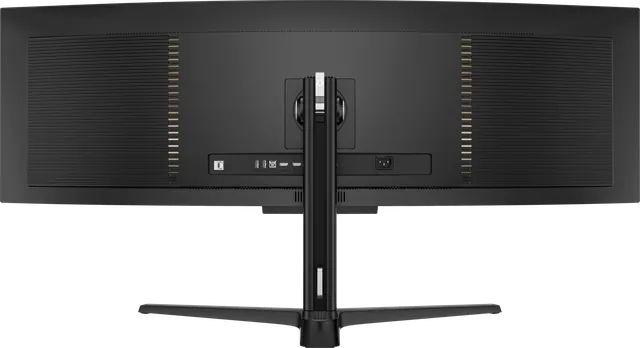
Noir is an ink black. It recedes. In a room that goes dark at night, or a desk set against a dark wall, Noir lets the frame disappear so that only the picture remains. Its reverse has faceted panels traced by a fine line of light around the stand mount, and it stands on a square base.
Choose Noir if you work into the evening, prefer dark interfaces, or want the display to vanish when it is on.
Blanc
Blanc is an ivory white that continues around the back of the display, where the signature is repeated on a single rear badge. It stands on a slender V-shaped stand. In a bright studio with pale wood, plaster or stone, Blanc reads as part of the furniture rather than a black rectangle on the desk.
Choose Blanc if your room is full of daylight, your desk is seen from behind, or the rest of your space is light.
What stays the same
Resolution, curvature, refresh rate, USB-C power and the KVM are identical. The specifications differ in small ways, and both are listed in full on the Horizon 49 page: for example, Noir lists HDR400, an HDMI 2.0 input and USB-A ports, while Blanc lists an HDMI 2.1 input. Blanc weighs 24.2 lb with its stand; Noir weighs 19.4 lb.
A rule of thumb
Match the finish to the wall behind the display, not to your computer. The wall is what your eyes see around the picture all day.