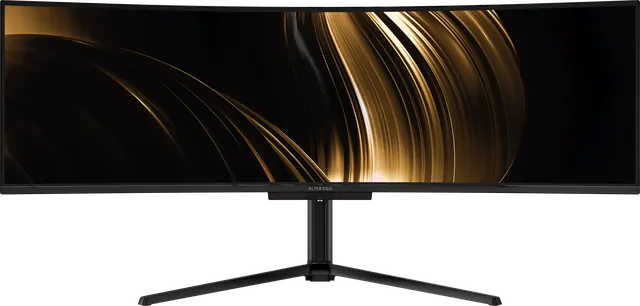
Living with an OLED display
OLED panels reward a few simple habits with static content. Practical, sensible care for an OLED monitor, without the anxiety.
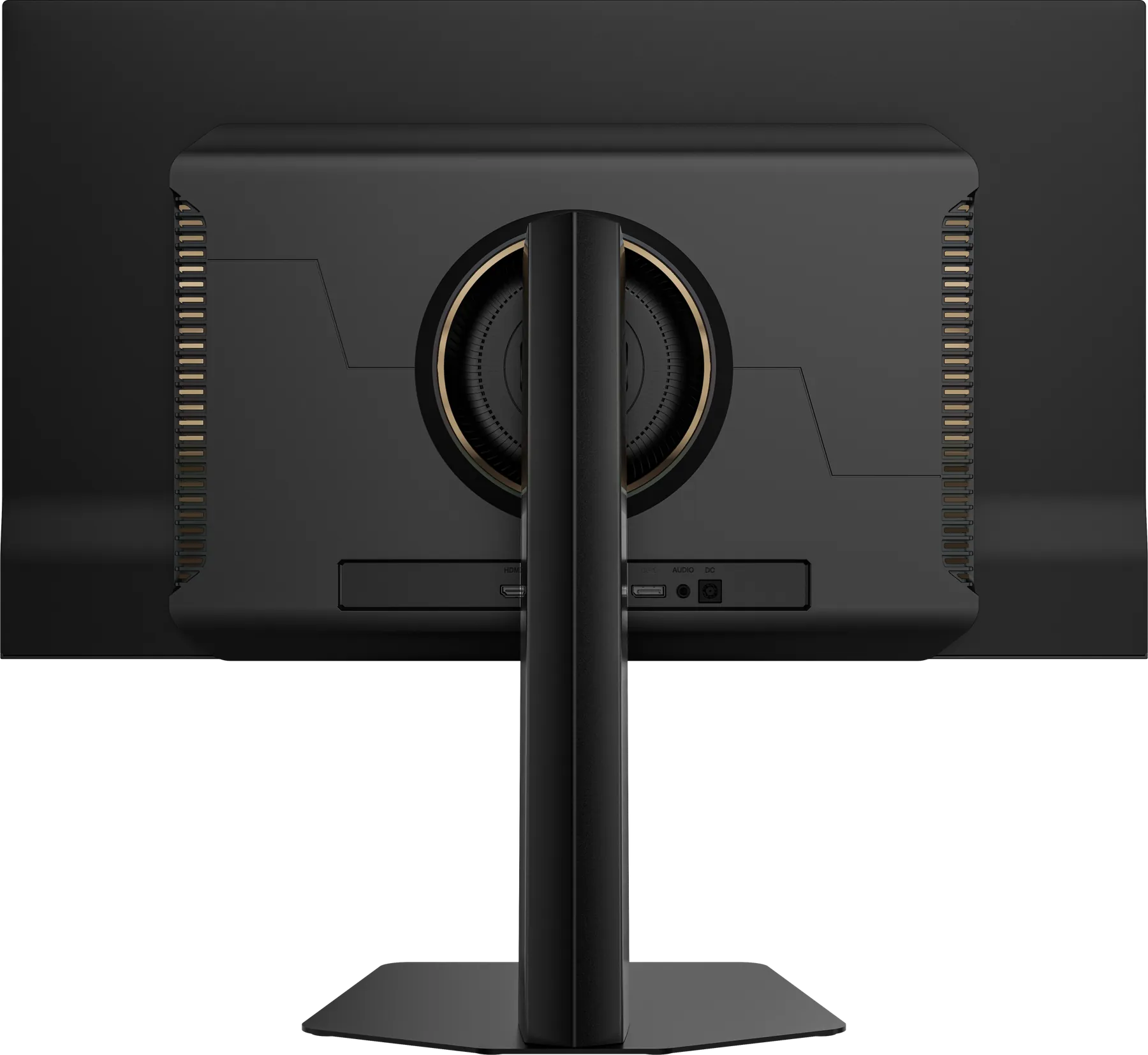
OLED gives you true black, near-instant response and colour that holds in the shadows. In exchange, it asks for a little thought about content that never moves. None of this is complicated, and none of it should stop you enjoying the display.
Why static content matters
Each OLED pixel makes its own light, and organic materials age with use. If one part of the screen shows the same bright, static image for very long periods, those pixels can age differently from their neighbours. The usual term is image retention, or burn-in in more persistent cases. Everyday use with varied content is not the concern. Thousands of hours of an unchanging bright element is.
Simple habits
- Let the taskbar or dock hide itself. It is the most common static element on any screen.
- Use a dark theme where you can. Darker interfaces mean less light from static elements and lower power.
- Turn the display off, or use a blank screen saver, when you step away. A black screen on OLED means the pixels are off.
- Avoid running at maximum brightness all day for static work. Comfortable brightness is easier on your eyes too.
- Vary what sits in fixed positions. Move windows occasionally rather than pinning the same bright panel in one place for months.
- Let the display run its maintenance cycle. OLED displays commonly run a short pixel-refresh routine when switched to standby. Leaving the display connected to power when it sleeps allows that to happen.
Cleaning
Switch the display off so you can see dust and smears. Use a dry microfibre cloth, wiping gently. If you need moisture, dampen the cloth very slightly with water. Never spray liquid directly onto the panel, and avoid alcohol, ammonia and abrasive cleaners.
Placement
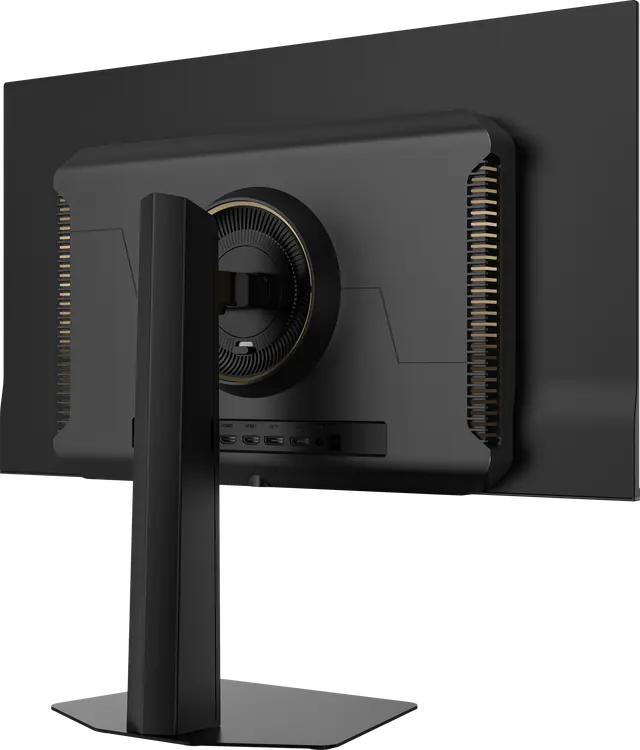
Keep the display out of direct sunlight, which raises panel temperature and washes out the picture. Give the rear ventilation room to breathe.
Warranty
Every Alter Ego reference carries a one-year limited warranty, and your advisor handles any claim from the first call to the return. Read about true black on OLED.