Choosing a display for a Mac
What to look for in an external display for a MacBook, Mac mini, Mac Studio or Mac Pro: connection, power, pixel density and refresh rate.
A Mac deserves a display that matches its care. These are the things that matter most when choosing one.
1. Connection
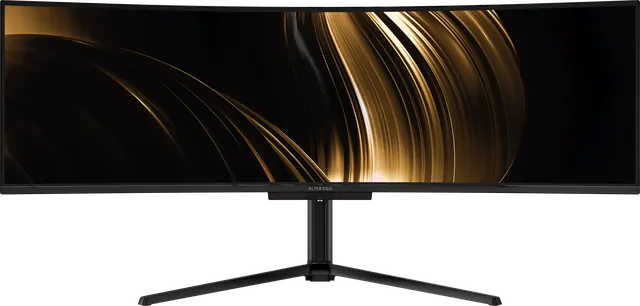
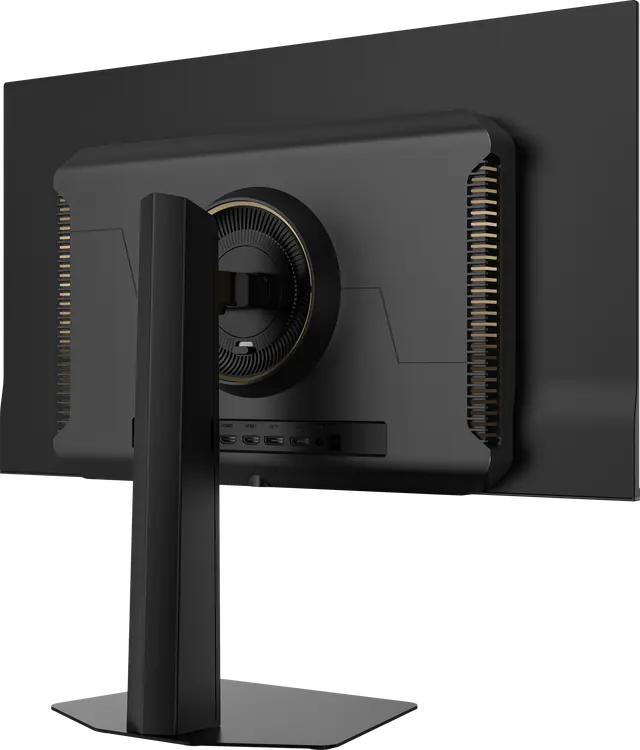
Most current Macs connect to displays over Thunderbolt or USB-C, which carries a DisplayPort signal. A display with USB-C video input connects with a single cable. Nocturne 49, Atelier 40 and Horizon 49 all accept video over USB-C. Desktop Macs with HDMI can also use the HDMI inputs. Solitaire 27 connects over HDMI 2.1 or DisplayPort 1.4, so a USB-C Mac needs a USB-C-to-DisplayPort or HDMI cable.
2. Power for a MacBook
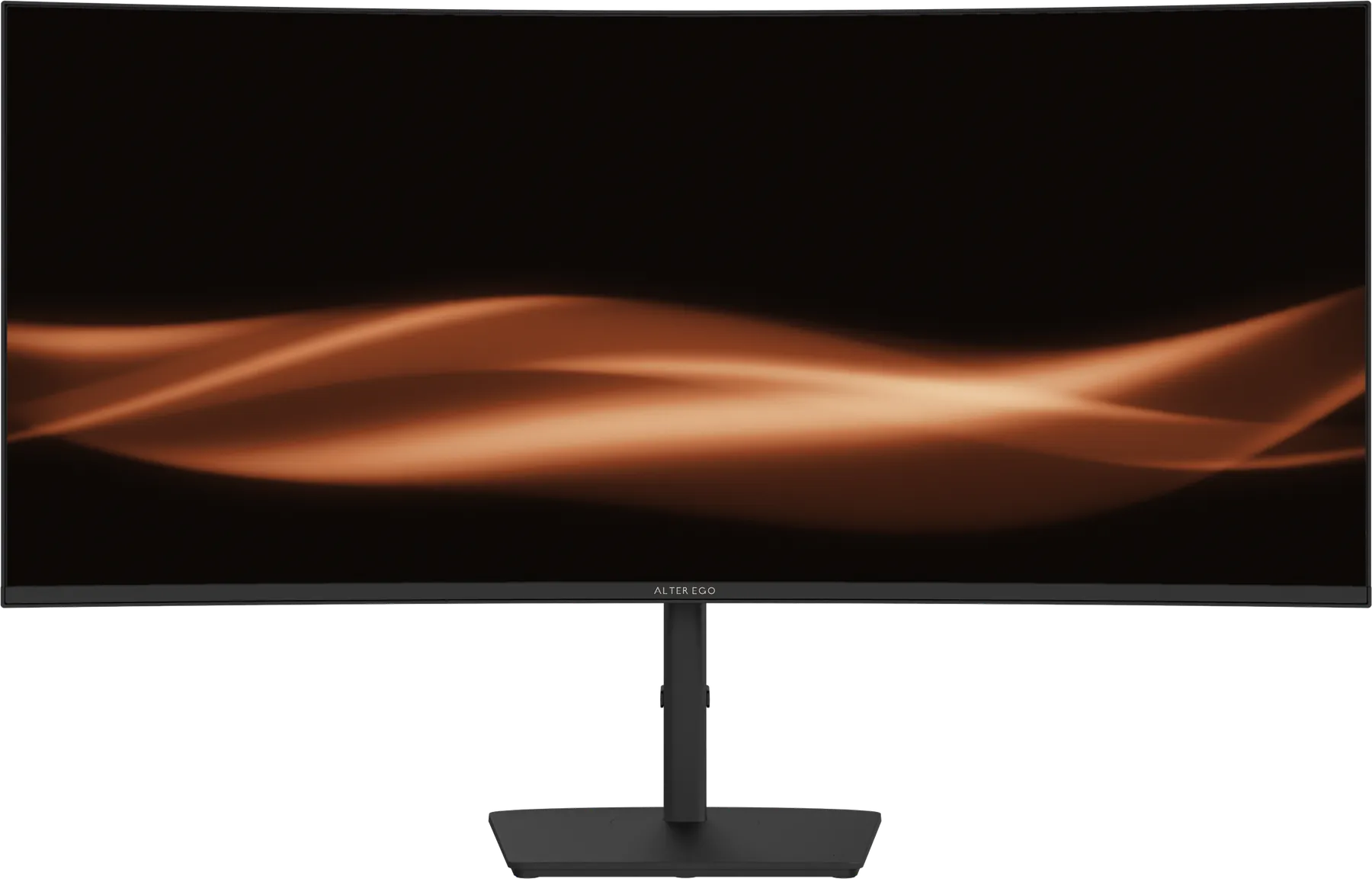
If the display's USB-C port supplies power, your MacBook charges through the same cable that carries the picture. Nocturne 49 supplies 90 W; Atelier 40 and Horizon 49 supply 65 W. Compare that with the charger that came with your MacBook: a lower figure still charges, but more slowly under heavy load.
3. Pixel density and scaling
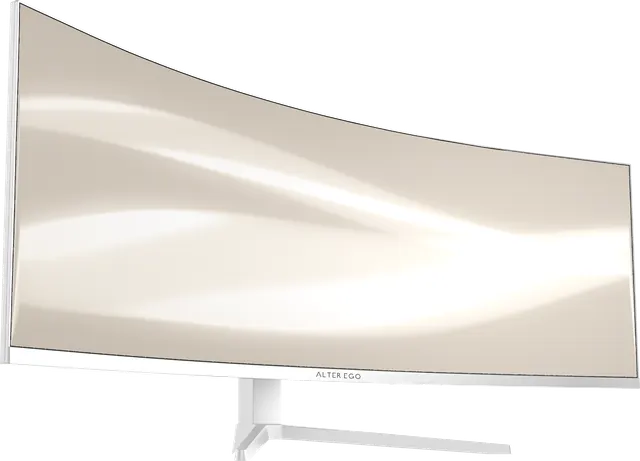
macOS looks sharpest at either about 110 or about 220 pixels per inch, where it can draw the interface at 1× or 2×. Nocturne 49, Horizon 49 and Solitaire 27 sit at about 109 pixels per inch, so text and interface are drawn at a natural size without scaling. Atelier 40, at about 139 pixels per inch, gives you more space on screen, with slightly smaller interface elements, or can be scaled to taste.
4. Refresh rate
Many current Macs can drive external displays above 60 Hz. Check your model's display support, then set the refresh rate under System Settings → Displays.
5. Ultrawide support
macOS handles 32:9 and 21:9 displays natively, and window-tiling makes the width easy to use. Check your Mac's maximum supported external resolution for 5120 × 1440 or 5120 × 2160.
6. Two computers
If a Mac shares your desk with a second computer, Nocturne 49 and Horizon 49 include a KVM switch, so one keyboard and mouse can move between them. One cable, two computers.