One cable, two computers: USB-C and KVM, explained
How a single USB-C cable can carry picture, data and power to a laptop, and how a built-in KVM lets one keyboard and display control two computers.
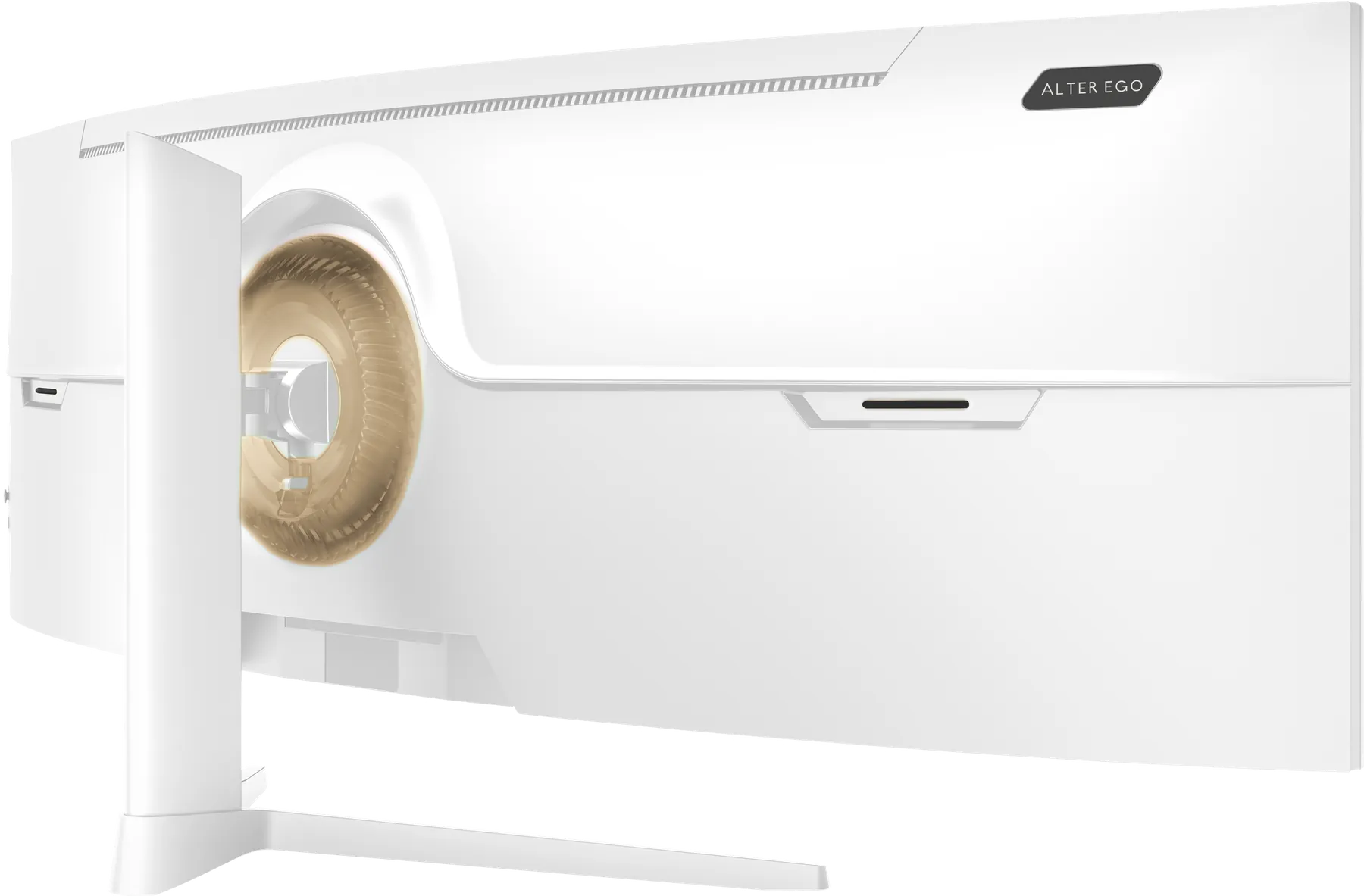
A beautiful display is undermined by a desk full of adapters. Two features on Alter Ego references exist to keep the desk calm: USB-C with power delivery, and a built-in KVM switch.
One cable to a laptop
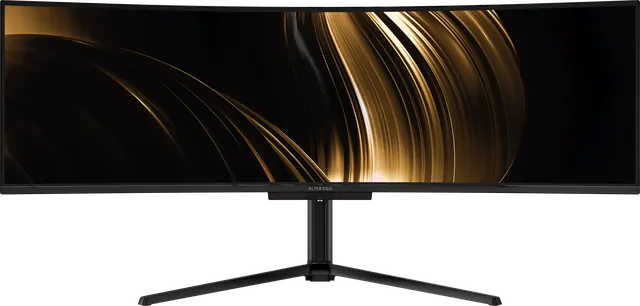
USB-C can carry three things at once: the video signal, USB data, and power. Connect a laptop to Nocturne 49, Atelier 40 or Horizon 49 with one USB-C cable and the display shows the picture, the laptop charges, and anything plugged into the display's USB ports appears on the laptop.
Power delivery is 90 W on Nocturne 49 and 65 W on Atelier 40 and Horizon 49, enough to run and charge most laptops. Check your laptop's own charger rating; if it is higher, the laptop may charge more slowly under heavy load.
The display as a hub
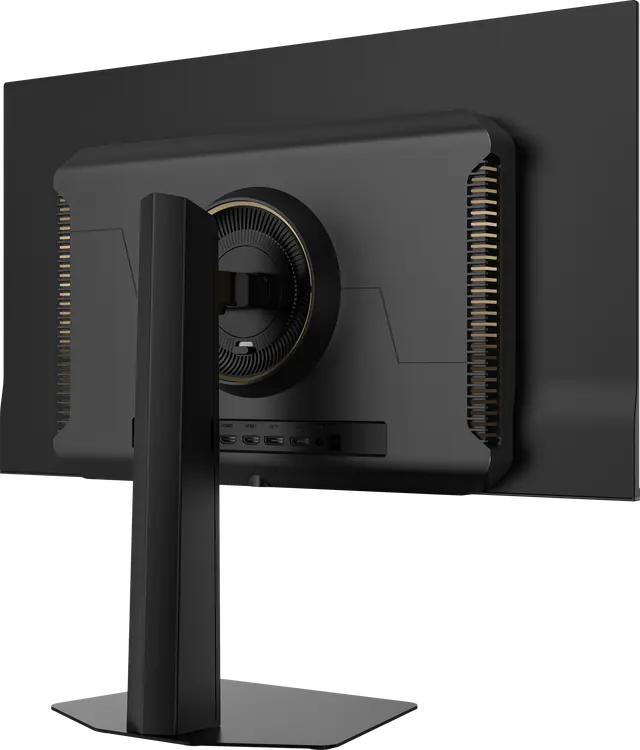
Atelier 40 has four USB-A ports; Nocturne 49 and Horizon 49 Noir have two. Plug in a keyboard, mouse, drive or card reader once, and they follow whichever computer is connected.
Two computers, one keyboard: KVM
KVM stands for keyboard, video, mouse. A KVM switch lets one set of peripherals control more than one computer. Nocturne 49 and Horizon 49 build it into the display: connect a work laptop by USB-C and a desktop by DisplayPort with a USB upstream cable, and switch between them without moving a single cable.
With picture-by-picture, a 49-inch display can show both computers at once, each on half of the 5120 × 1440 panel, at the equivalent of a 27-inch QHD screen each.
A calmer desk
One display, one keyboard, one cable to the laptop. That is the point. One 49-inch display, or two 27s?