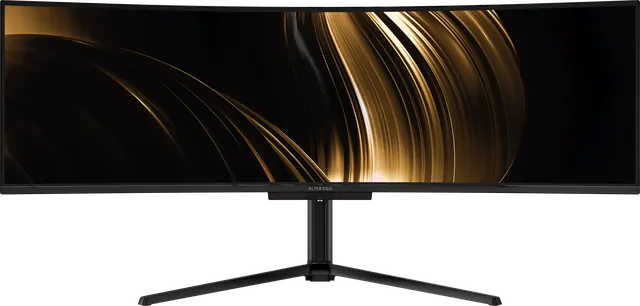
One 49-inch display, or two 27-inch displays?
A 49-inch 32:9 display has the same area as two 27-inch QHD screens. What you gain by removing the seam, and when two screens still make sense.
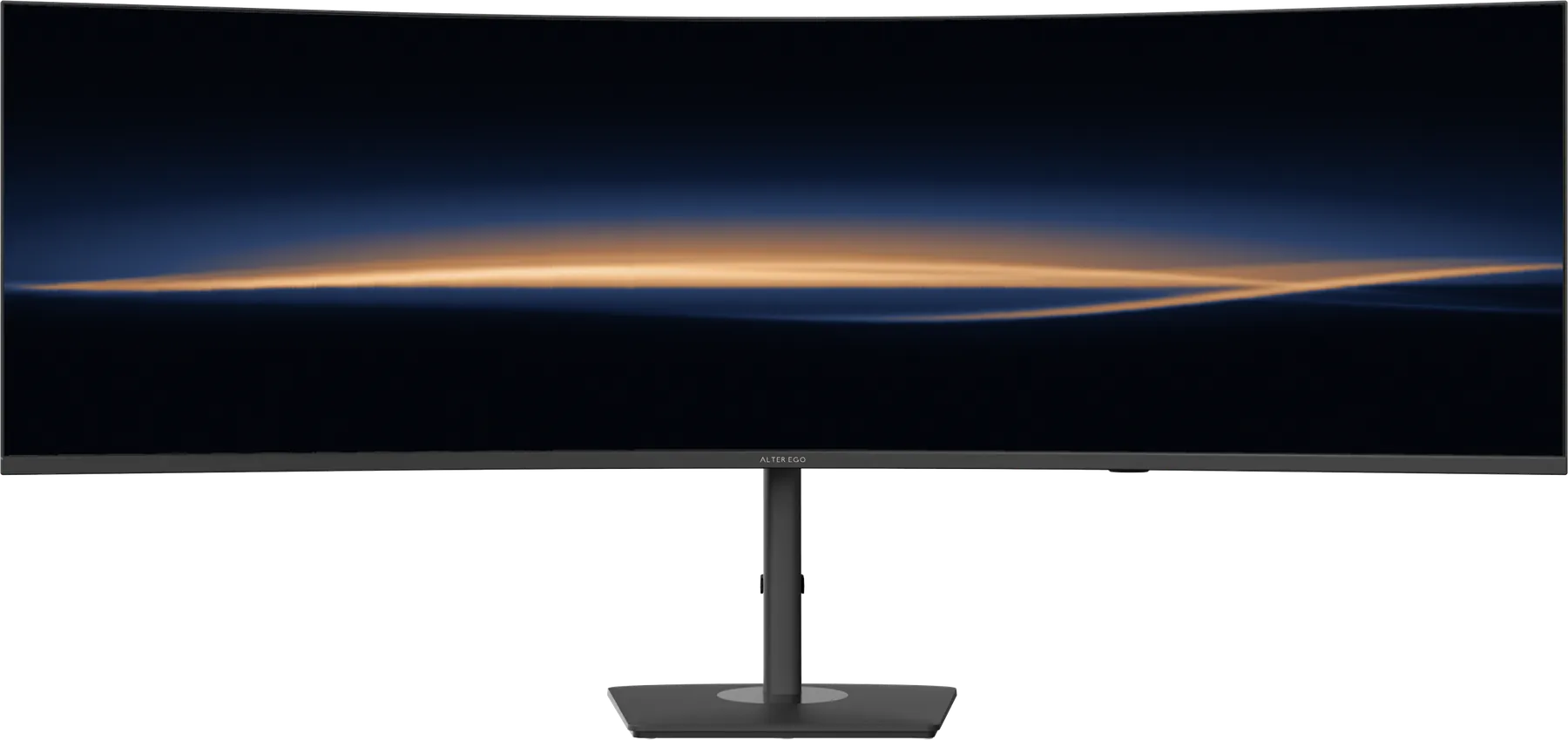
Two 27-inch displays side by side is one of the most common professional setups. A 49-inch 32:9 display such as Nocturne 49 or Horizon 49 offers the same space in one panel. The pixel count is identical: 5120 × 1440 is exactly two 2560 × 1440 screens. The differences are in everything around the pixels.
What one display gives you
- No seam. The bezels between two screens cut through whatever sits in the middle, which is usually the thing you are looking at. One panel removes them.
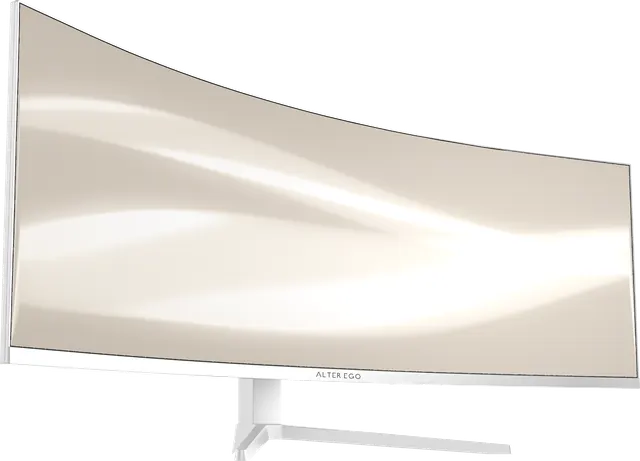
- One curve. Two flat screens are angled toward you at a hinge. A single curved panel bends evenly across its width, so the whole picture is at a consistent distance.
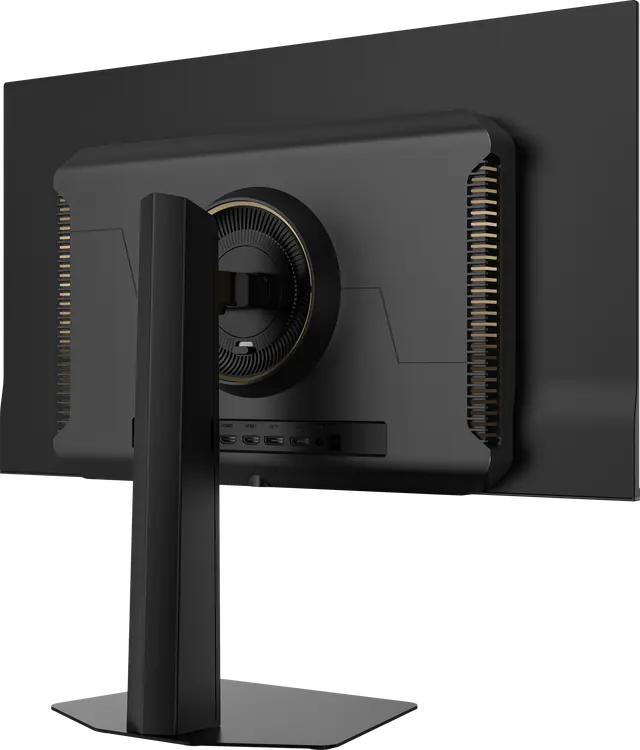
- One cable, one stand. Fewer cables, one power supply, one footprint. On Horizon 49 and Nocturne 49, one USB-C cable can carry picture, data and power from a laptop.
- Matched colour across the width. Two displays, even of the same model, rarely match perfectly. One panel has nothing to match.
- Two computers anyway. A built-in KVM and picture-by-picture let a single 49-inch display show two machines side by side, controlled from one keyboard and mouse.
When two screens still make sense
- If you want one screen rotated to portrait, a pair like two Solitaire 27 displays allows it.
- If your desk is shallow and narrow, two smaller screens can be arranged more flexibly.
- If you work full-screen in one application most of the day, a single 27-inch display may be all you need.
The short version
If you already work across two screens, one 49-inch display gives you the same space, minus the seam, plus a calmer desk. Who a 32:9 display is for.