Who a 32:9 display is for
A 49-inch 32:9 display at 5120 × 1440 is two QHD screens without the seam. Here is who benefits, what curvature does, and what to check before choosing one.
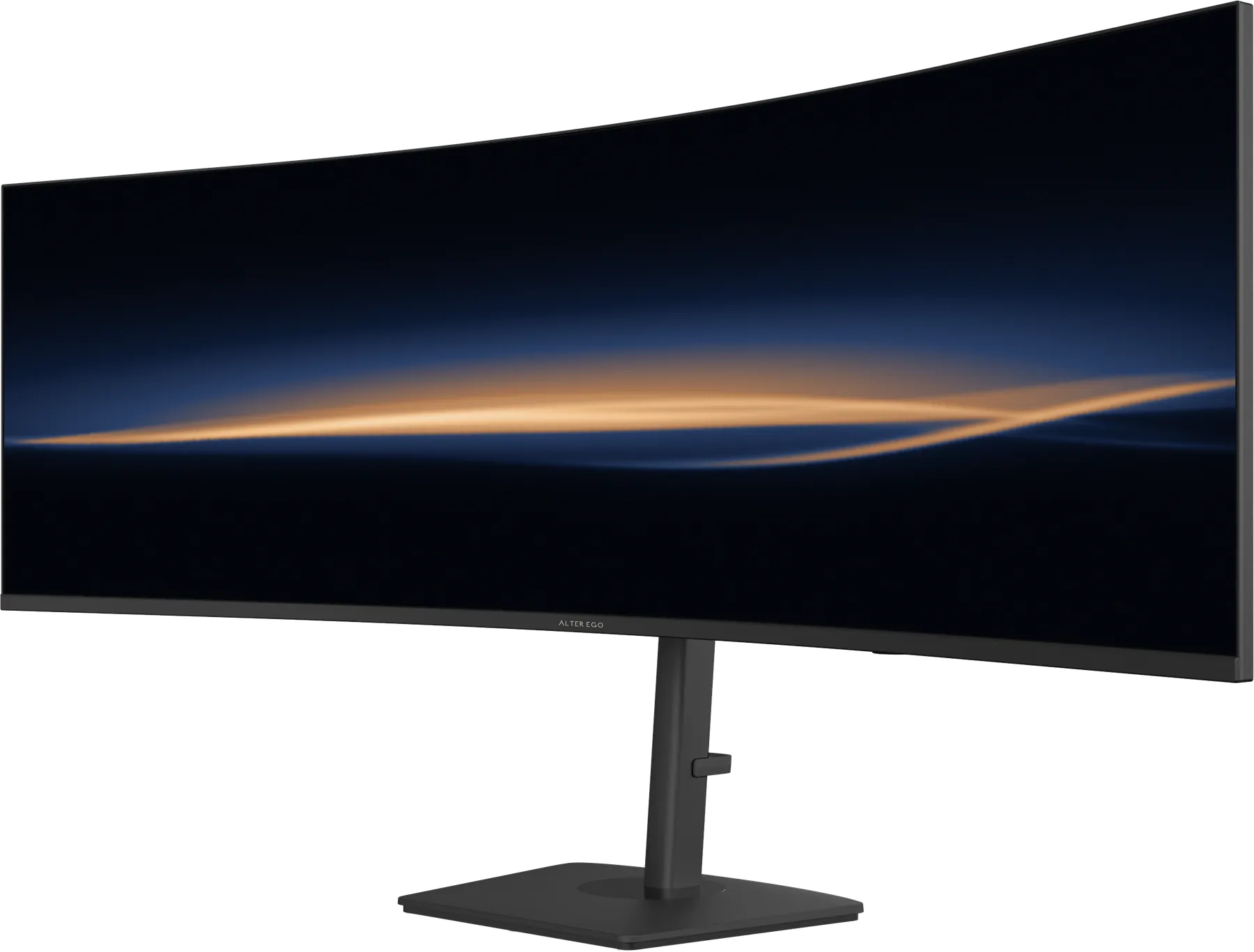
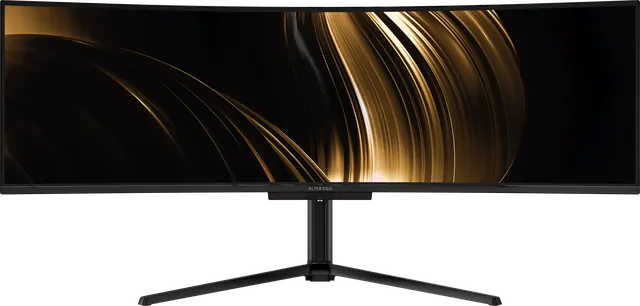
Two of our references, Nocturne 49 and Horizon 49, use a 32:9 panel at 5120 × 1440. The shape is unusual enough that it is worth explaining who it suits.
Two screens, no seam
Put two 27-inch 16:9 displays side by side and the combined picture measures about 49 inches diagonally. A 49-inch 32:9 panel is that same area in one piece, at the same pixel density as a 27-inch QHD display (roughly 109 pixels per inch), with no bezels down the middle.
The resolution follows: 5120 × 1440 is exactly two 2560 × 1440 screens placed next to each other. That is 7.37 million pixels.
Who it is for
- People who work in several windows at once. A document, a reference and a chat sit side by side at full height, without a seam cutting through the one in the middle.
- Editors and producers. Long timelines, multitrack sessions and wide spreadsheets stop scrolling sideways.
- Anyone who wants immersion. Driving and flight simulators, and games that support the format, fill your peripheral vision.
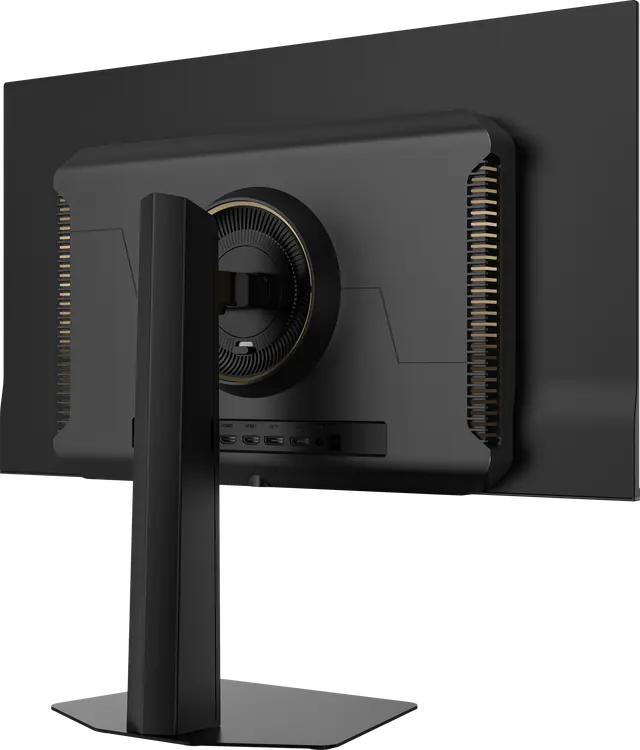
- Two-computer desks. Both of our 49-inch references include a KVM switch, so one keyboard and mouse can drive two computers, with each shown on half of the screen.
What the curve does
A flat 49-inch panel would put its far edges much further from your eyes than its centre, and you would turn your head to read them. A curve keeps the whole width at a more even distance. The number is the radius in millimetres: 1800R curves on an 1800 mm radius, 1500R on a tighter 1500 mm radius that wraps further around you. Nocturne 49 is 1800R. Horizon 49 is 1500R.
What to check first
- Desk depth and width. Both references are about 47 inches wide. Nocturne's tripod stand is 14.2 inches deep; Horizon's stand is about 11.
- Your computer's outputs. At 5120 × 1440 and high refresh rates, use DisplayPort 1.4 or HDMI 2.1 where available, or USB-C on a laptop.
- How you share the screen. Window-snapping tools make a 32:9 display far more useful. Most operating systems include basic halves and thirds.
OLED or 5K VA?
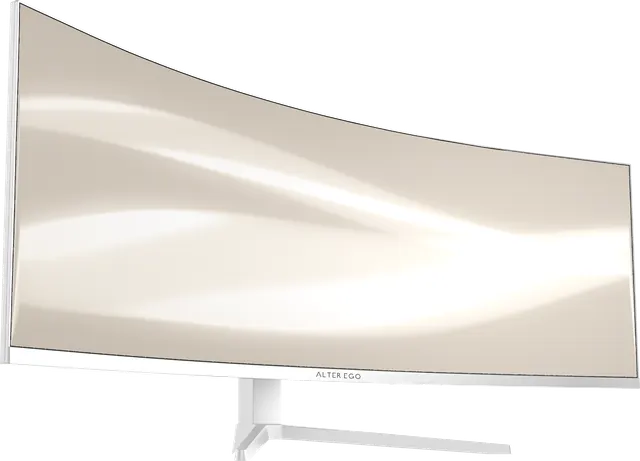
Nocturne 49 uses QD-OLED for true black, 240 Hz and 0.03 ms response: the choice for film, games and dark rooms. Horizon 49 uses a VA panel at 120 Hz with a 3000:1 contrast ratio, offers a single-cable USB-C connection with 65 W of power, and comes in two finishes, Noir and Blanc: the choice for a working desk in a bright studio.