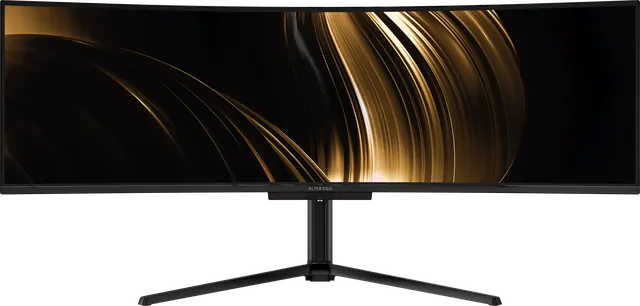
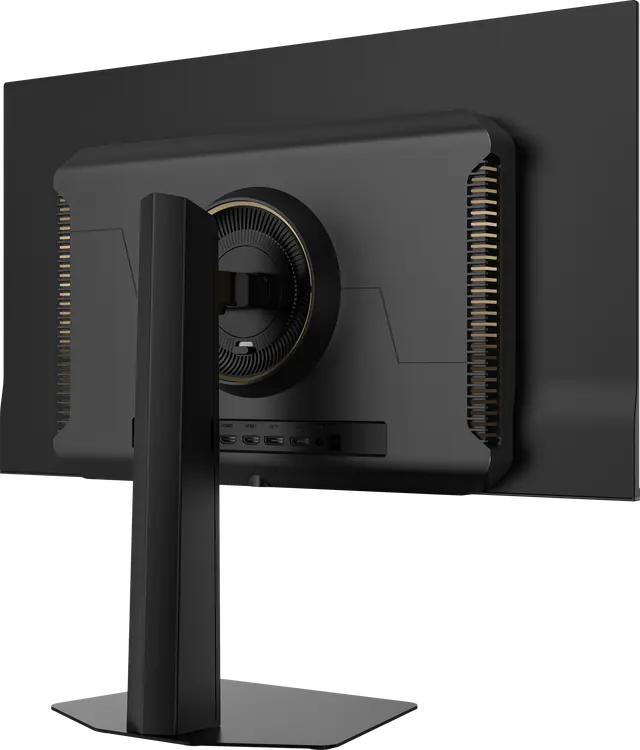
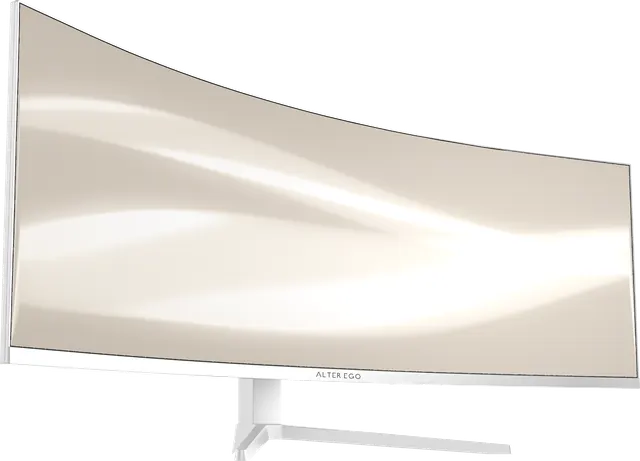
Mounting your display: stands, arms and VESA
Every Alter Ego display ships with an adjustable stand and accepts a VESA mount. When to use the stand, when to use an arm, and what to check first.
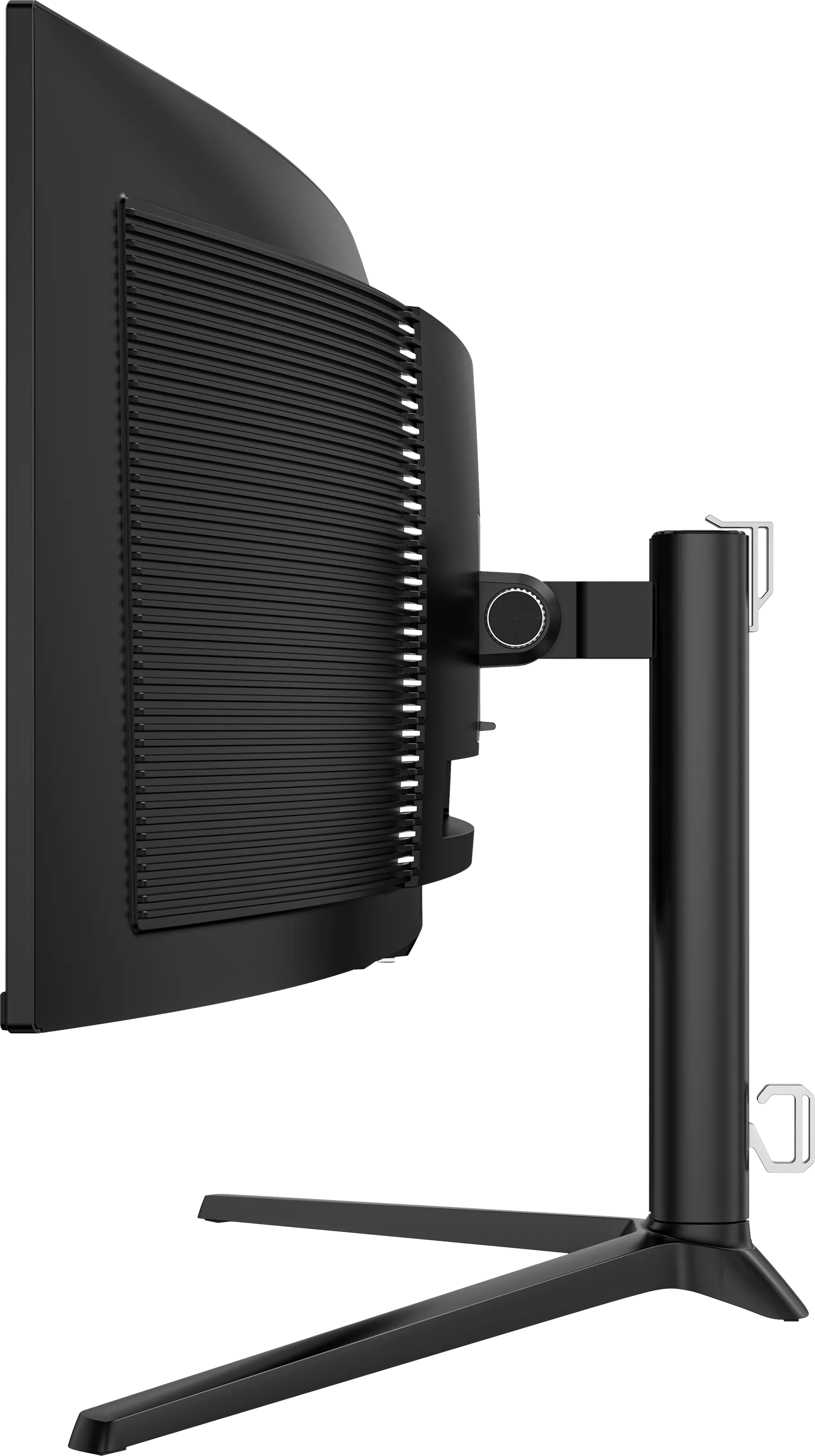
Every Alter Ego reference ships on an adjustable stand, and every one accepts a standard VESA mount for a monitor arm or wall bracket.
The stands
- Nocturne 49: a tripod base, 120 mm height travel, −5° to +20° tilt, ±20° swivel.
- Solitaire 27: a single column, 120 mm height travel, −5° to +20° tilt, ±20° swivel and 90° pivot into portrait.
- Atelier 40: adjustable for height, tilt, swivel and pivot.
- Horizon 49: 130 mm height travel, −5° to +15° tilt, ±30° swivel, on a square base (Noir) or V-shaped stand (Blanc).
For most desks, the stand is all you need, and it is designed to look right from every side.
When an arm makes sense
- You want the whole desk surface free.
- You need more height or reach than the stand provides.
- You share the display between two positions, such as sitting and standing.
What to check before buying an arm
- The VESA pattern. Nocturne 49, Atelier 40 and Horizon 49 use 100 × 100 mm; Solitaire 27 uses 75 × 75 mm.
- Weight capacity. Choose an arm rated comfortably above the display's weight without its stand, with a margin to spare.
- Width. 49-inch ultrawide displays need an arm designed for ultrawide panels, with a mounting plate and tension range to suit.
- The desk. A heavy display on an arm puts real force on the clamp. Use a solid desk edge, or a grommet mount.
Wall mounting
Use a bracket rated for the display's weight and VESA pattern, fixed into studs or solid masonry, and leave room behind for cables and ventilation.