Curved or flat: which is right for you?
Curvature helps wide displays and hinders some precise work. How to decide between a curved and a flat monitor, and what 1500R, 1800R and 2500R mean.
Whether a display should be curved depends mostly on one thing: how wide it is.
Why wide displays curve
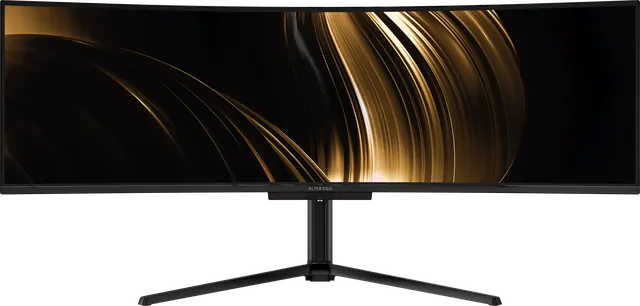
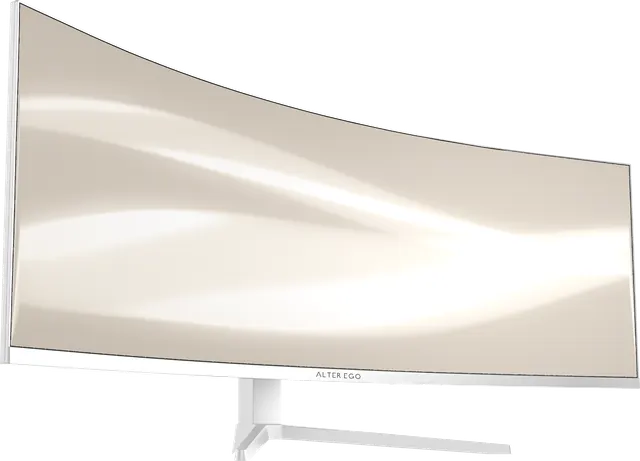
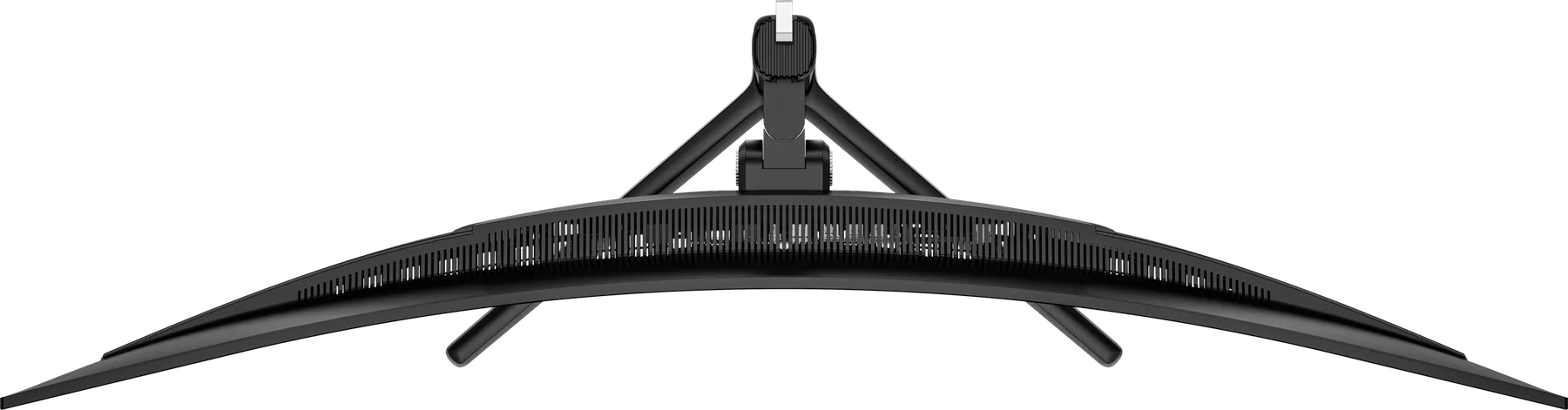
On a flat panel, the edges are further from your eyes than the centre. On a 27-inch display, the difference is small. On a 49-inch display, it is large enough that you turn your head and refocus constantly. A curve brings the edges closer, so the whole picture sits at a more even distance.
What the numbers mean
Curvature is written as a radius in millimetres, followed by R. A smaller number means a tighter curve.
- 1500R, on Horizon 49: a pronounced wrap for a 49-inch ultrawide.
- 1800R, on Nocturne 49: a slightly gentler wrap.
- 2500R, on Atelier 40: a subtle curve that keeps straight lines looking straight.
- Flat, on Solitaire 27.
Choose curved if
- the display is 34 inches or wider, and especially at 49 inches;
- you want immersion in games, simulators or film;
- you sit centred and work across the full width.
Choose flat if
- the display is 27 inches or smaller;
- you draw straight lines for a living and want zero distortion, for example in technical drawing;
- you want to rotate the display into portrait, which only a flat panel does well.
A good compromise
A gentle curve, such as 2500R, gives a wide display most of the comfort of a curve while keeping lines and grids looking straight. That is why Atelier 40 uses it.