Ten questions to ask before buying a premium monitor
A short checklist for choosing a high-end display: panel, size, resolution, connections, colour, honesty of the specifications, and how it is sold.
A premium display is a purchase you will live with for years. These ten questions help you choose well, whichever maker you choose.
- What will I do on it most? Film, games and dark scenes favour OLED. Photo and design favour resolution and colour coverage. Multitasking favours width. Choosing your Alter Ego display.
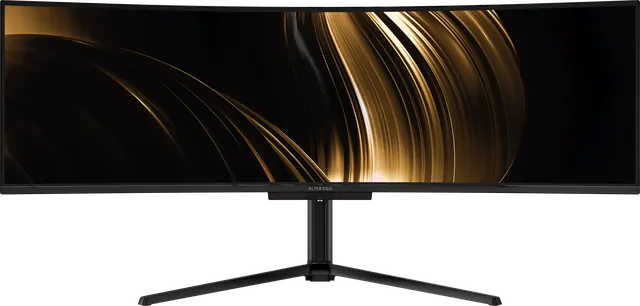
- How large is my desk, and how far do I sit? A 49-inch display needs a desk 55–60 inches wide. Is a 49-inch monitor too big?
- Which panel technology? OLED for true black and instant response; IPS and VA LCDs for high sustained brightness. OLED or mini-LED?
- What resolution, at what size? Around 110 pixels per inch is natural at 100% scaling; higher densities give more detail with scaling. What is a 5K monitor?
- Which colour space does my work use? sRGB for web, DCI-P3 for video and HDR, Adobe RGB for print. Colour spaces explained.
- How will I connect it? One USB-C cable with enough power for a laptop simplifies a desk. Two computers call for a KVM. What is a KVM monitor?
- Are the specifications honest? Look for typical brightness labelled as typical and response times that say GtG or MPRT. How to read a spec sheet.
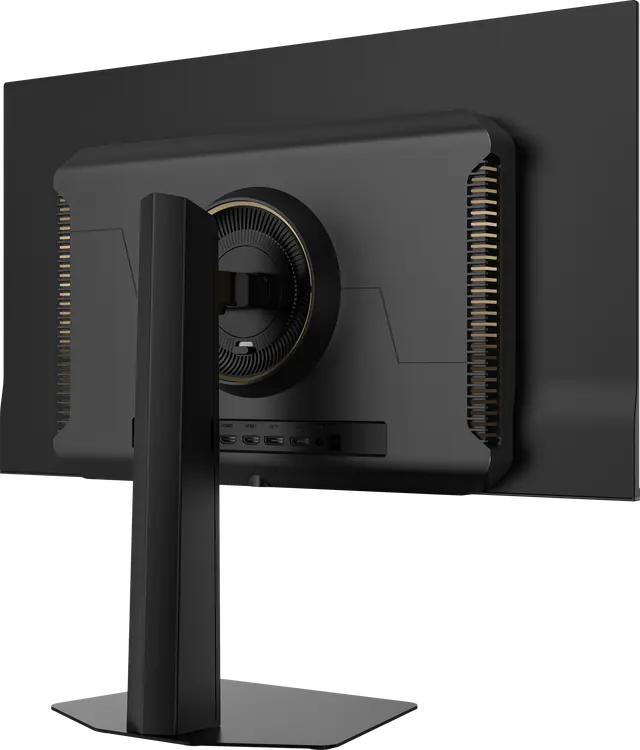
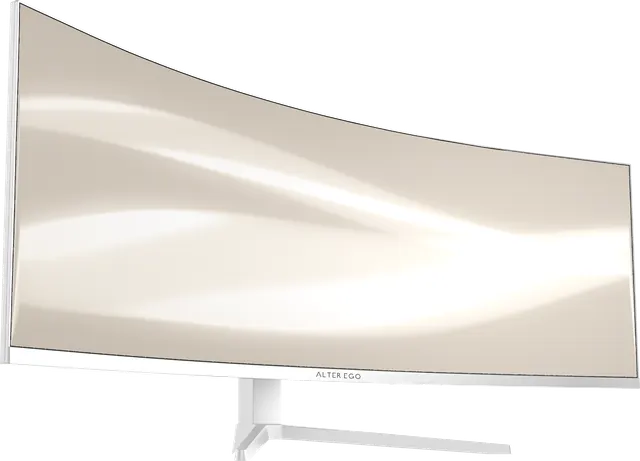
- What does it look like switched off, and from behind? You will see it that way every day.
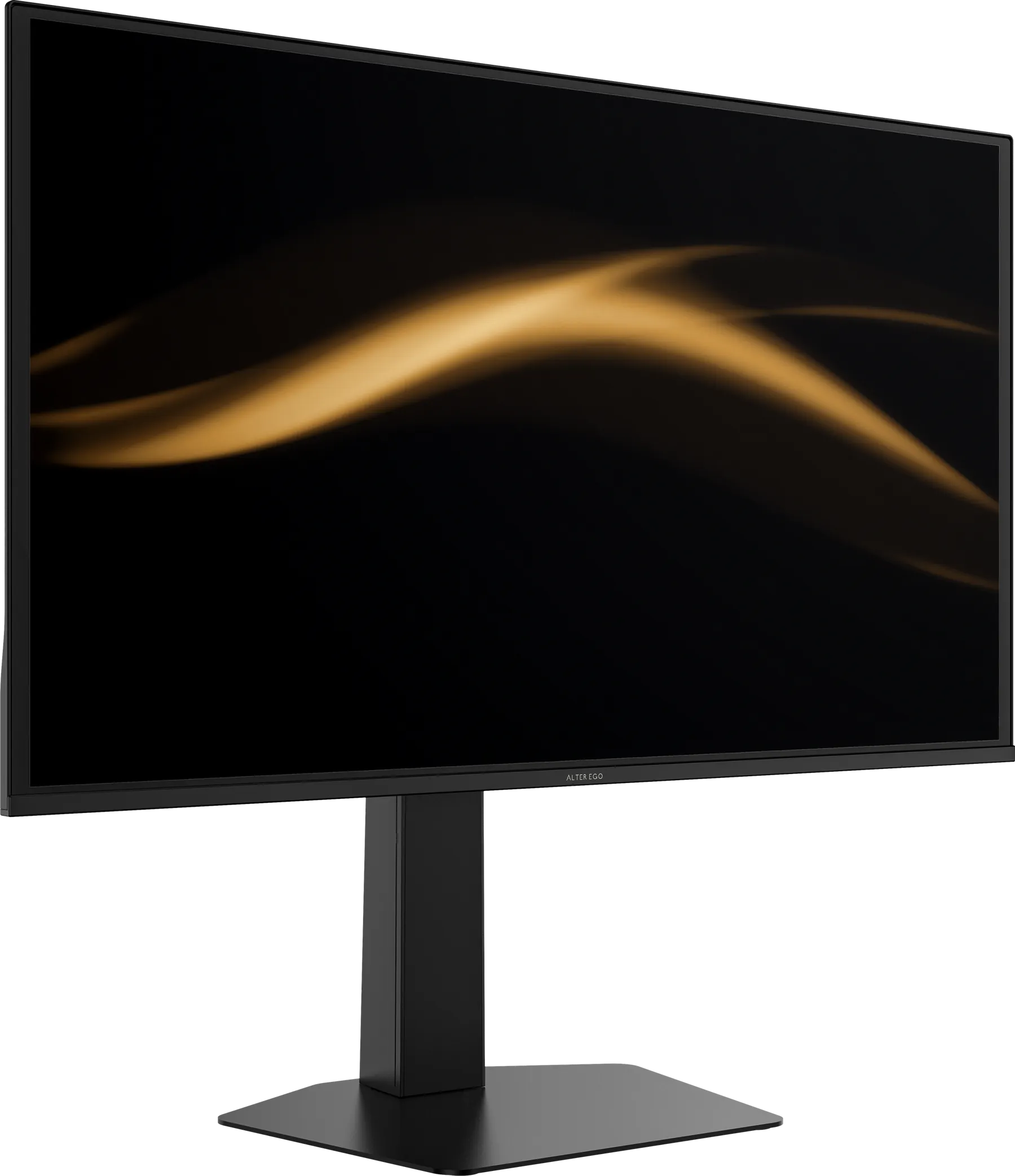
- How does the stand adjust, and does it accept an arm? Check height travel, tilt, swivel, pivot and the VESA pattern.
- Who will answer the phone after I buy it? Warranty terms matter less than the person who handles them.
Alter Ego was designed to give a good answer to all ten. See the collection.