What is a KVM monitor?
A KVM monitor has a built-in switch that lets one keyboard, mouse and display control two computers. How it works and who it is for.
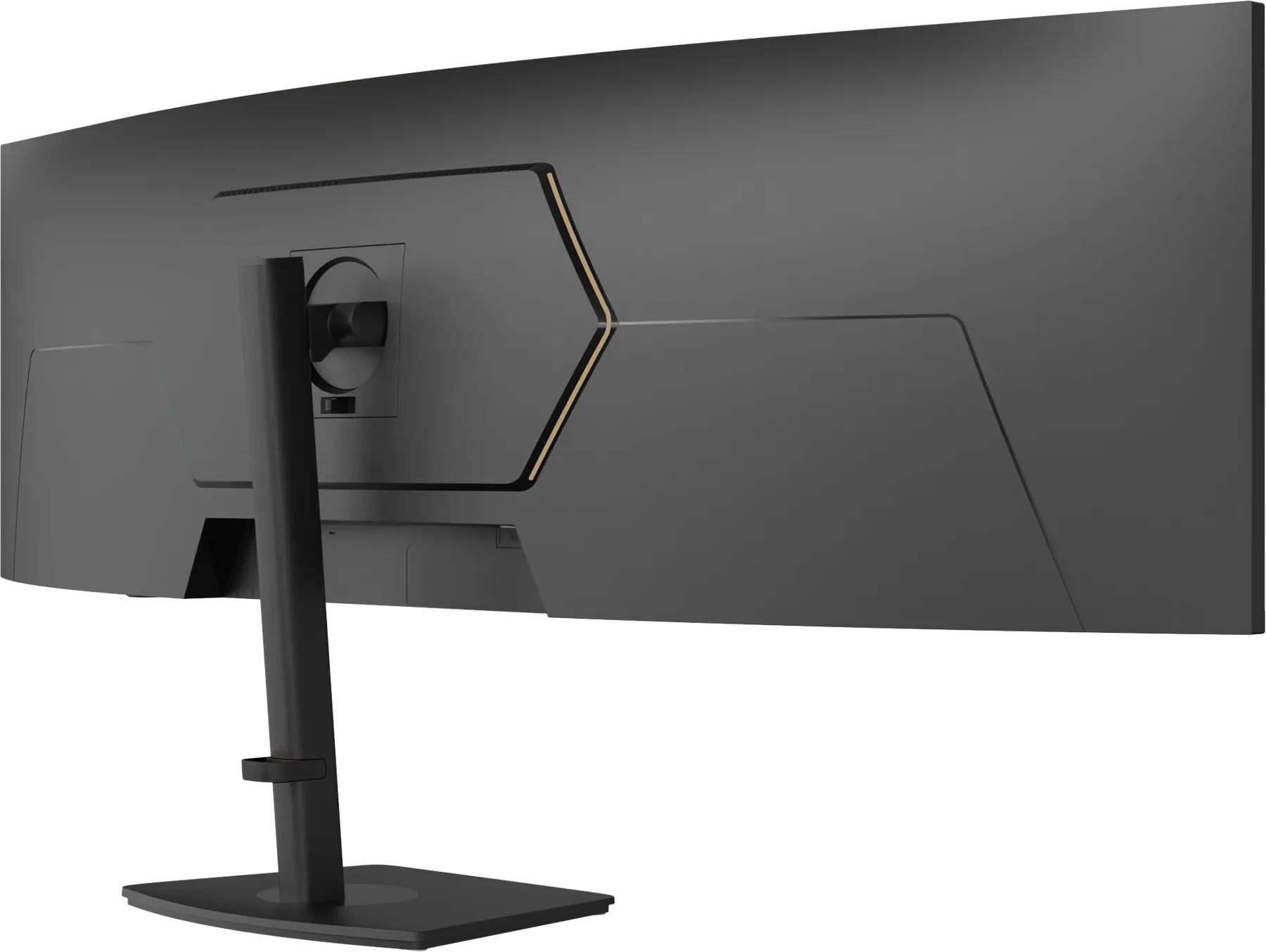
A KVM monitor is a display with a built-in keyboard-video-mouse switch, so one keyboard and mouse plugged into the display can control two different computers. When you switch the display's input from one computer to the other, your keyboard and mouse switch with it.
How it works
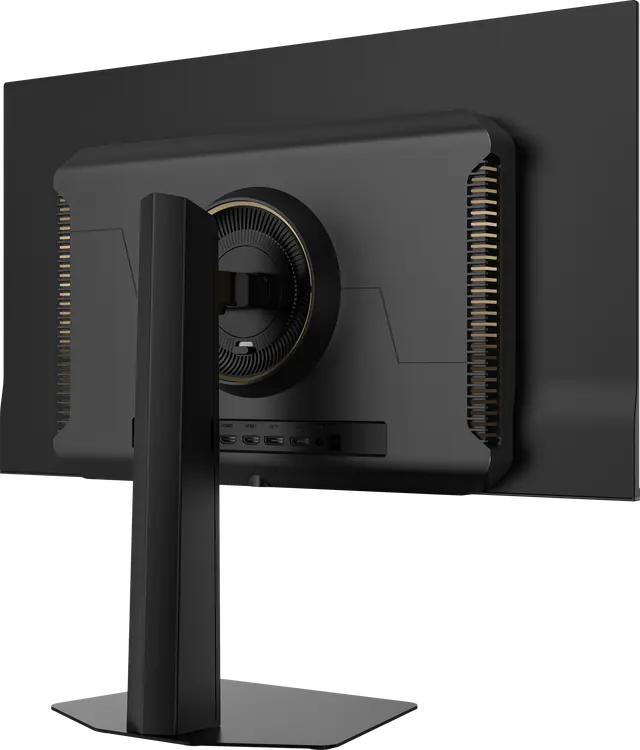
- Connect computer A to the display, for example a laptop by USB-C.
- Connect computer B, for example a desktop by DisplayPort or HDMI, plus a USB upstream cable.
- Plug your keyboard and mouse into the display's USB ports.
- Switch input on the display, and the keyboard and mouse follow.
Who it is for
- Work and personal computers on one desk. A company laptop and a home desktop share one display and one set of peripherals.
- Developers and creatives who use two machines, such as a Mac and a PC.
- Anyone who wants fewer things on the desk. No separate switch box, no second keyboard.
KVM and picture-by-picture
On a 49-inch, 5120 × 1440 display, picture-by-picture can show both computers at once, each on half of the panel, the equivalent of two 27-inch QHD screens.
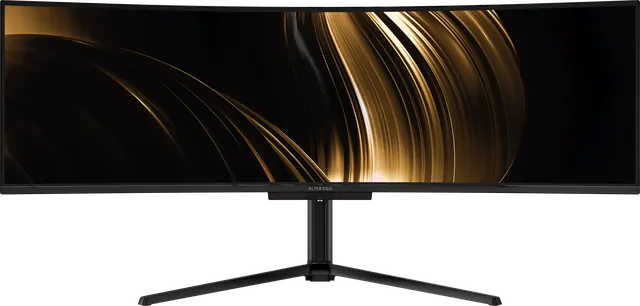
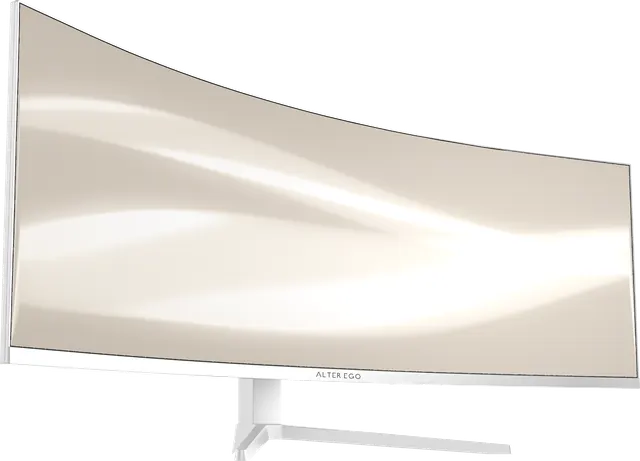
Alter Ego displays with KVM
Nocturne 49 and Horizon 49 include a KVM switch and picture-by-picture. One cable, two computers.