What 240 Hz actually gives you
A higher refresh rate shortens the time between frames. What that changes for motion, for everyday work and for games, and what your computer needs to deliver it.
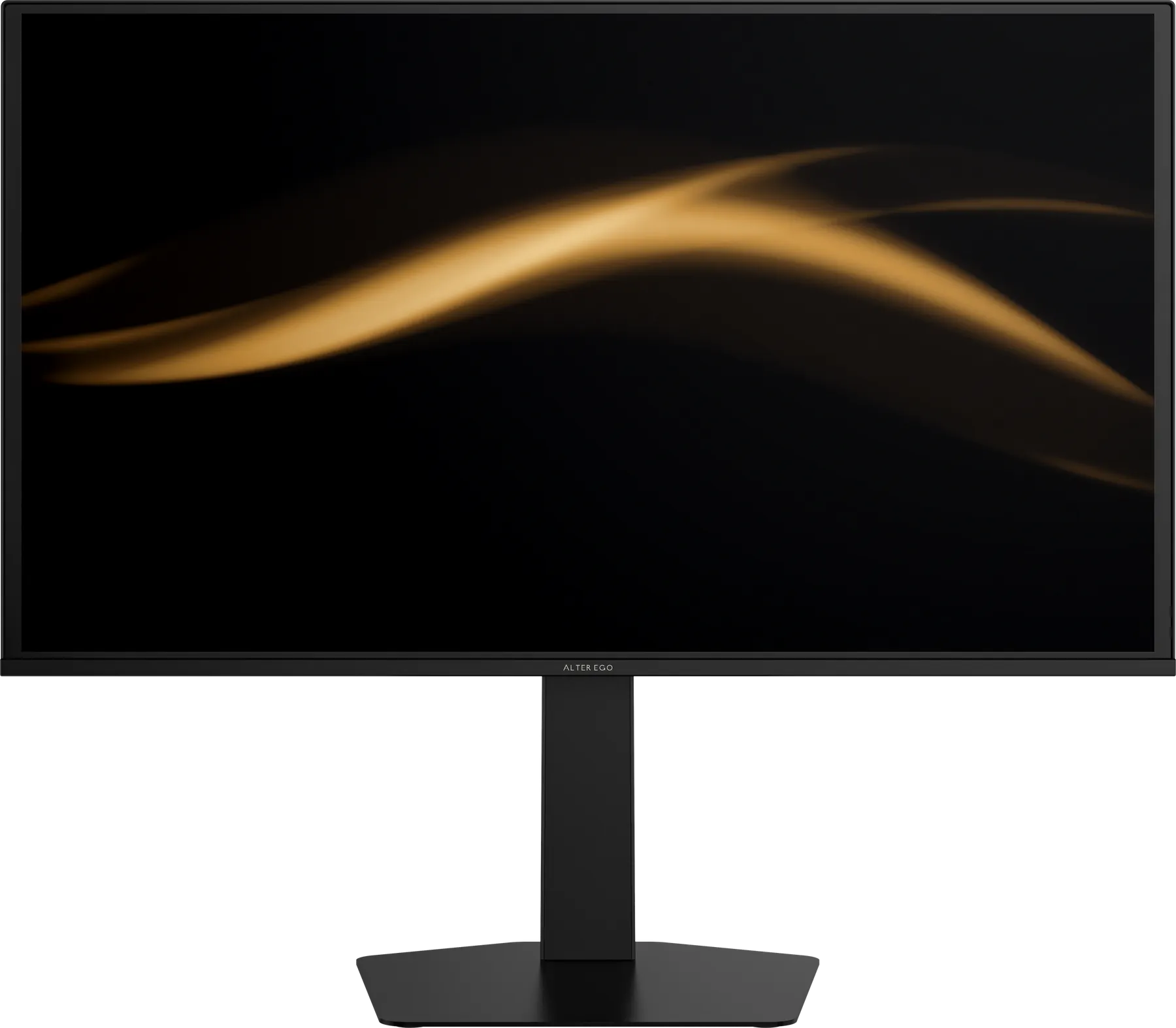
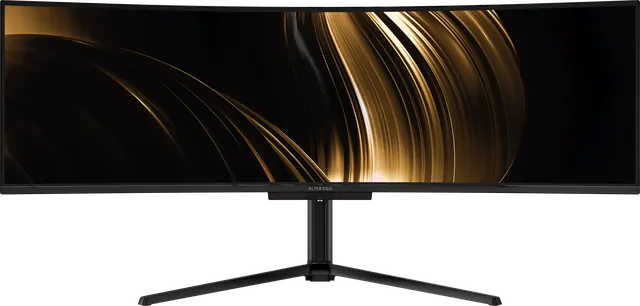
Refresh rate is how many times per second a display draws a new picture. Nocturne 49 refreshes at up to 240 Hz and Solitaire 27 at up to 280 Hz. Here is what those numbers mean in practice.
Time between frames
| Refresh rate | Time per frame |
|---|---|
| 60 Hz | 16.7 ms |
| 120 Hz | 8.3 ms |
| 240 Hz | 4.2 ms |
| 280 Hz | 3.6 ms |
Each step up shortens the gap between images. Movement is broken into more, smaller steps, so it looks smoother and your eye sees less blur as it follows a moving object.
Why OLED makes refresh rate count
A fast refresh rate only helps if pixels can keep up. An LCD pixel that takes several milliseconds to change smears across successive frames. An OLED pixel at 0.03 ms grey-to-grey finishes its change almost instantly, so each frame is clean. That pairing is why OLED displays at 240 Hz and above look so sharp in motion.
Everyday work
You notice high refresh rates outside games too: scrolling a long document, dragging windows, moving a cursor across a 49-inch canvas. Text stays legible while it moves, and the interface feels immediate.
Games and simulators
In fast games and simulators, shorter frame times reduce motion blur and make movement easier to track. To benefit, your computer has to produce frames that quickly. Adaptive-Sync and FreeSync on both displays match the refresh rate to whatever your graphics card delivers, so motion stays smooth and free of tearing even when frame rates vary.
What you need
Use DisplayPort 1.4 or HDMI 2.1 for the highest refresh rates at full resolution, and set the refresh rate in your operating system's display settings, since many computers default to 60 Hz.