HDR on a monitor: what the DisplayHDR tiers mean
"HDR" on a monitor can mean very different things. A guide to VESA DisplayHDR tiers, the True Black tiers for OLED, and what to expect from each.
High dynamic range (HDR) content carries more brightness and colour information than standard video: deeper shadows, brighter highlights and wider colour. Whether a display can show it well depends on how bright it gets, how dark it gets, and how much colour it covers. The word "HDR" alone does not tell you.
DisplayHDR: a certification with tiers
VESA's DisplayHDR programme certifies monitors against defined tests. The number in each tier name refers to the peak brightness the display must reach, in cd/m².
- DisplayHDR 400, 600, 1000 and higher: tiers aimed largely at LCD displays, with rising requirements for peak brightness, black level and colour.
- DisplayHDR True Black 400, 500, 600: tiers designed for self-emissive displays such as OLED. They set very strict requirements for black level, recognising that OLED's strength is in the shadows.
What the labels on Alter Ego displays mean
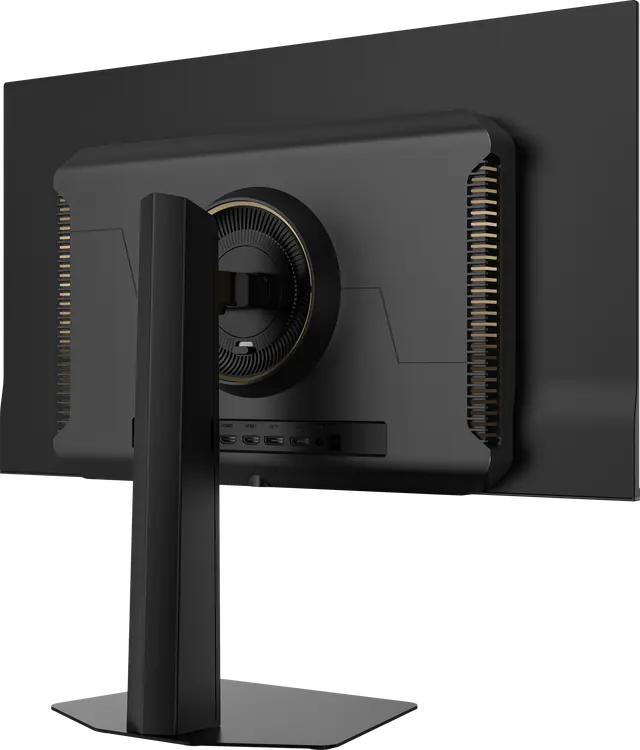
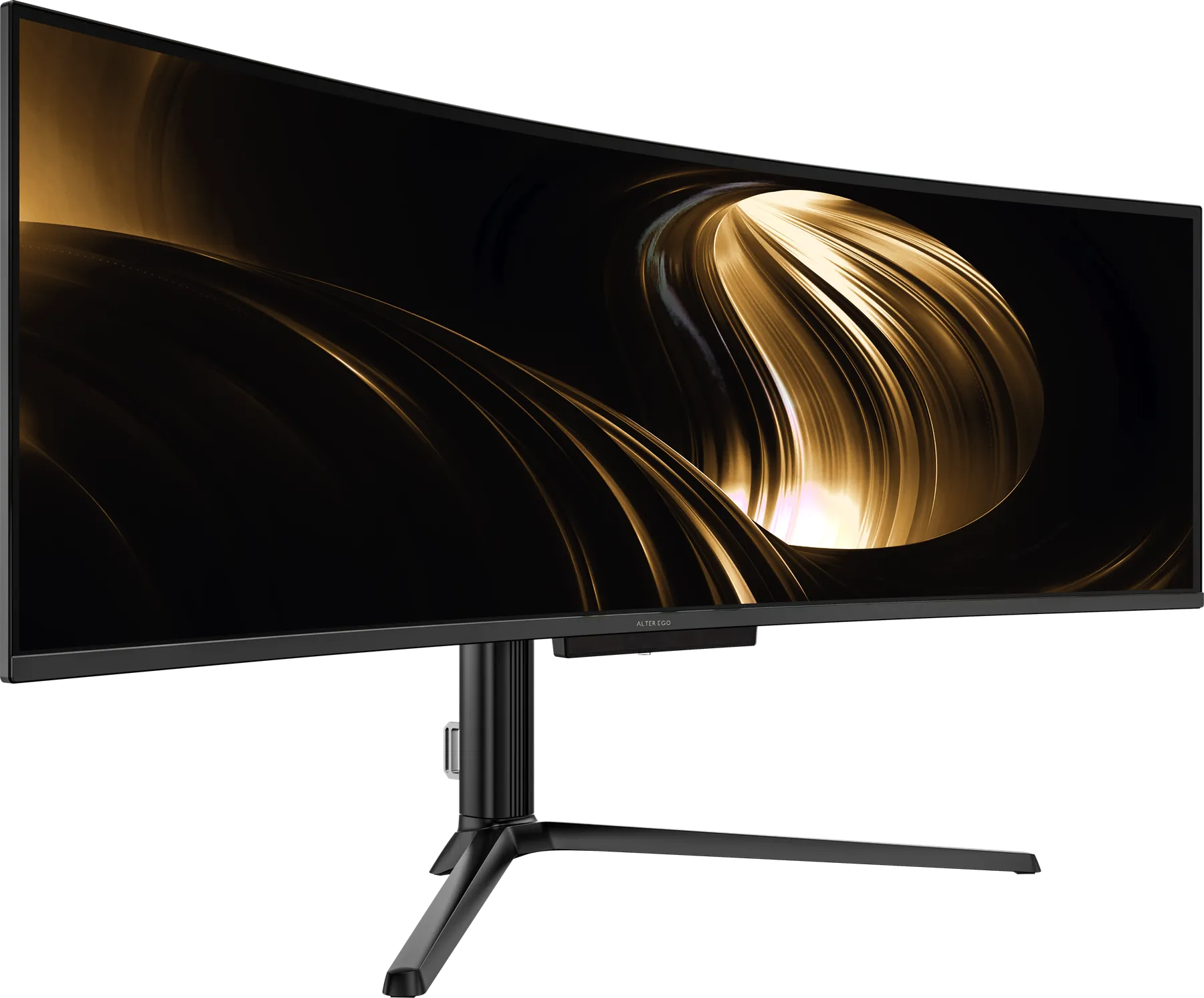
- Nocturne 49: DisplayHDR True Black 400. Certified for OLED-level black with HDR highlights.
- Solitaire 27 and Horizon 49 Noir: HDR400, as stated in their specifications.
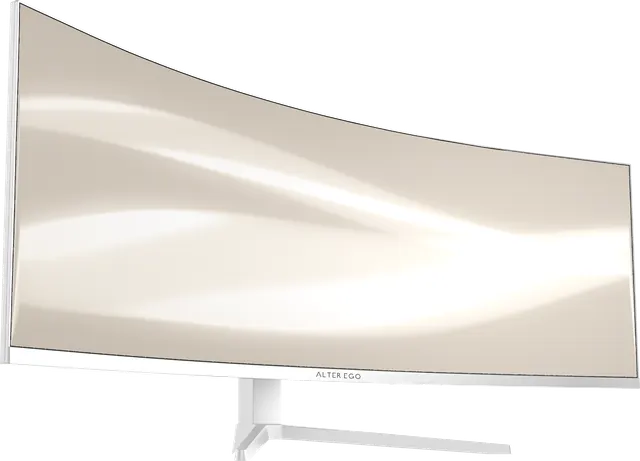
- Atelier 40 and Horizon 49 Blanc: HDR, meaning they accept HDR signals; no certification tier is stated.
We list each label exactly as specified. How to read a spec sheet.
What makes HDR look like HDR
Contrast matters as much as brightness. A highlight looks bright partly because the area around it is dark. That is why a True Black display with per-pixel black can make HDR feel dramatic even at modest peak brightness, especially in a dim room.
Getting HDR working
Enable HDR in your operating system's display settings, use content mastered in HDR, and connect over DisplayPort 1.4 or HDMI 2.1. Lower the room's lighting a little; HDR is designed for it.