Setting up Atelier 40
Everything you need in the first hour with your Atelier 40: connections, settings, adjustment and care.
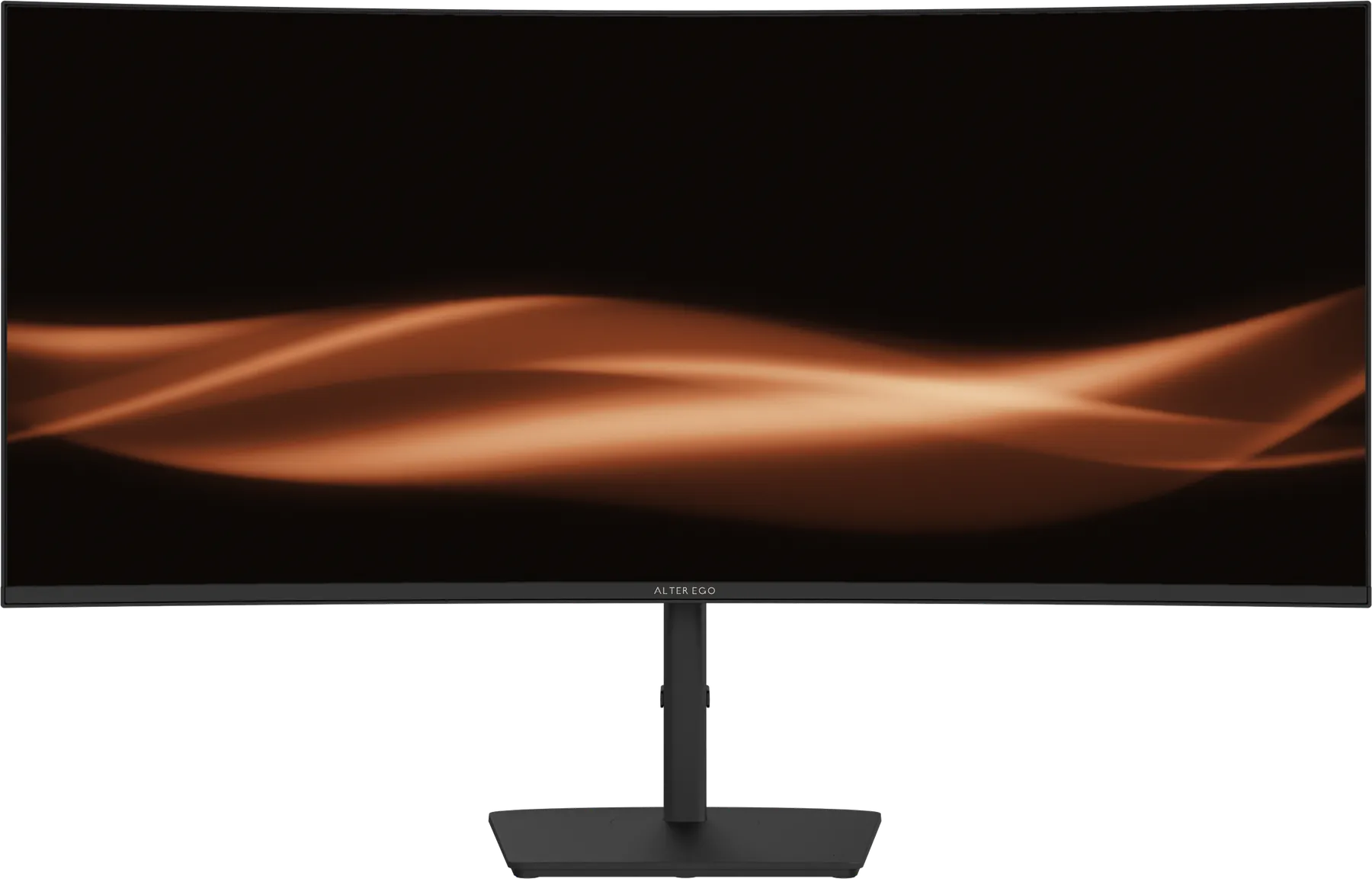
In the box
DisplayPort cable · USB-C cable · USB-B cable.
1. Place it
Set the display on a solid desk with room behind for cables and ventilation, out of direct sunlight. Sit roughly an arm's length away, centred on the screen. More on height, distance and light.
2. Connect it
Atelier 40 accepts 2 × HDMI 2.1 · 1 × DisplayPort 1.4 · 1 × USB-C.
- Desktop computer: use DisplayPort 1.4 for the highest refresh rate at 5120 × 2160.
- Laptop: one USB-C cable carries picture, data and up to 65 W of power to your laptop.
- Console: HDMI 2.1 accepts current game consoles.
3. Set resolution and refresh rate
Open your computer's display settings and choose 5120 × 2160 and the highest refresh rate available, up to 120 Hz. Many computers default to 60 Hz. Enable Adaptive-Sync / FreeSync in your graphics settings to remove tearing in games and video.
4. HDR
Atelier 40 is rated HDR. Turn on HDR in your operating system's display settings when viewing HDR films, photos or games, and dim the room slightly. What the HDR labels mean.
5. Adjust the stand
Adjustment: Height · tilt · swivel · pivot. Set the top of the picture at or slightly below eye level and tilt it to face you. The display also accepts a VESA 100 × 100 arm or wall mount. Choosing an arm.
6. Features worth setting up
-
Picture-by-picture: show two inputs side by side, each on half of the panel.
-
USB hub: 4 × USB-A · 1 × USB-B upstream. Peripherals plugged into the display follow the connected computer.
-
Audio: Built-in speakers · headphone out.
Care
Switch off and use a dry microfibre cloth; dampen it very slightly with water if needed. Never spray liquid on the panel.
Warranty and help
Your display carries a one-year limited warranty. Contact your Alter Ego advisor for any question or claim; they handle it from the first call to the return. Full specifications are on the Atelier 40 page.